18
12. “Instrument Reset”
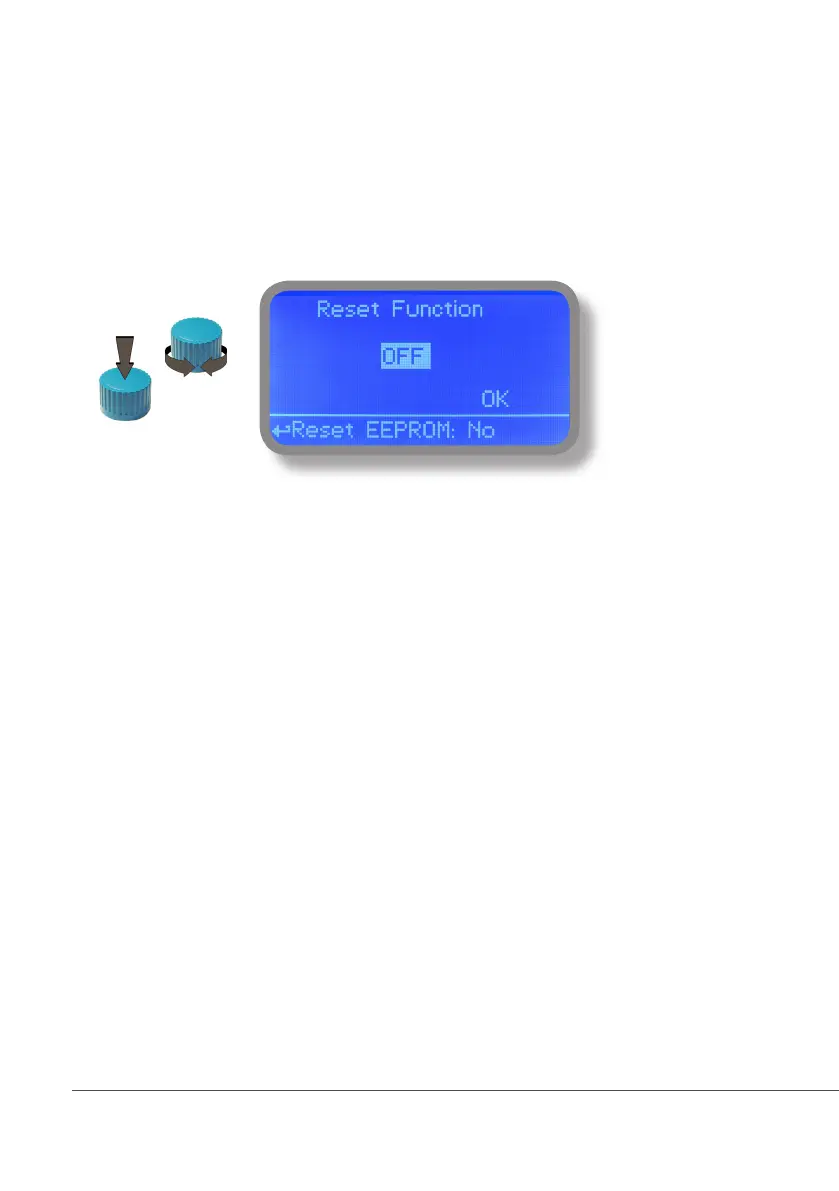
To restore instrument to its default values (including password) once into “Instrument Reset” menu, press wheel
then change value to “ON”, press wheel again, move on “OK” then finally press wheel. The instrument display
will show “CHECKSUM ERROR”. Press whell to return into “Main Menu”. Move on “EXIT”, then press wheel. The
instrument is now restored to factory default. Please repeat all calibration procedures and programming parameters.



 To Next Page