19
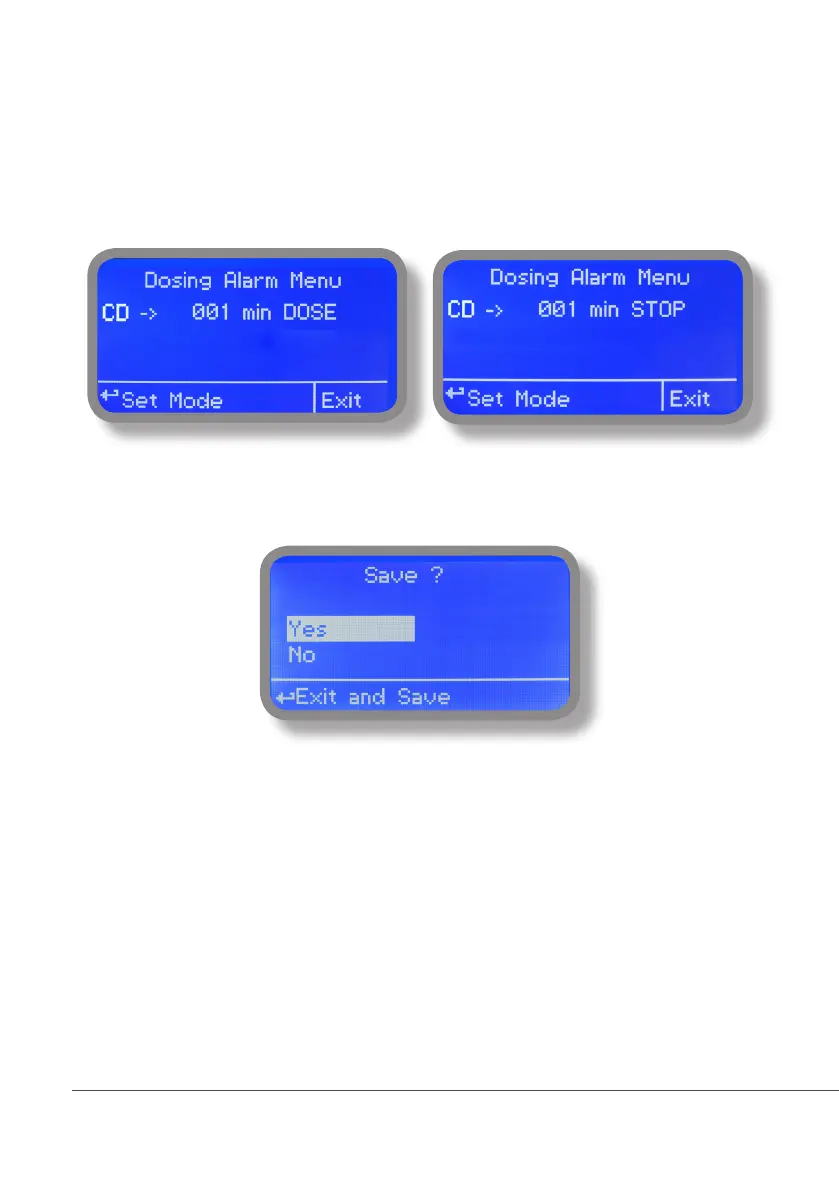
13. “Dosing Alarm”
Use this menu to assign a maximum time to the pumps for reaching the setpoint. If set time ends and the pumps
are still dosing, within this menu is possible to STOP them or just to show an alarm message. Function can be
disabled selecting “OFF” instead of a number (minutes). Dosing alarm can be set for both or just one pump.
E.g. To set Conductivity pump to stop after time ends and setpoint isn’t still reached press wheel, choose maximum
time, press wheel move on next field and choose “STOP”. Time can be set between 0 and 100 minutes. When
satisfied with settings move on exit and press wheel.
To end procedure move cursor on “OK” and press wheel to proceed to “Save” request screen. Move wheel on “YES”
to save or “NO” to discard changes.



 To Next Page