36
Appendix Communication - Software
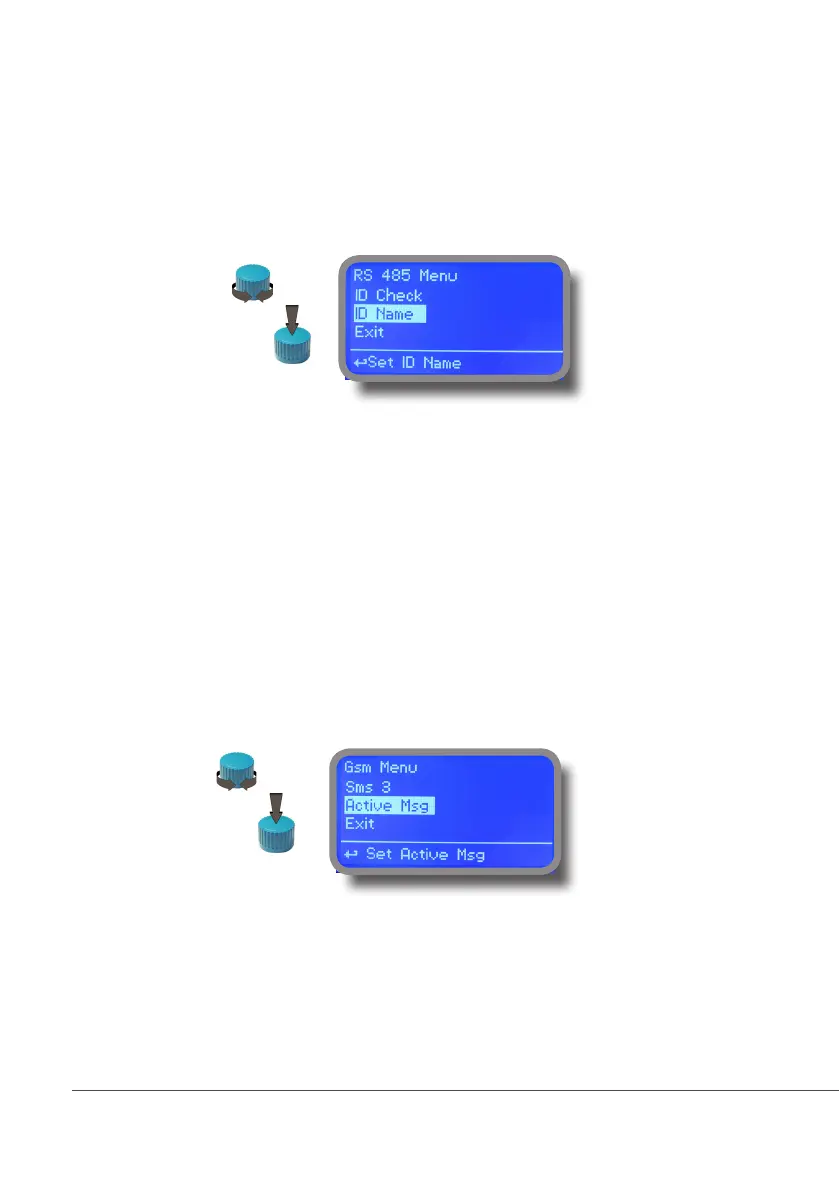
“RS485” menu.
Prior to install the instrument into an RS485 local system a unique ID NUMBER (from 1 to 30) and ID NAME (station
name) must be set. Rotate wheel and edit elds. If ID number has already assigned an error message will follow after ID
Check (move cursor on CHECK and press wheel). In this event try using another number.
“SMS” menu.
Instrument may remotely send SMS alarm messages using its own modem (sold as option). It can be congured as
follows:
SMS1 / SMS2 /SMS3.
Using the wheel enter a mobile phone that will receive alert SMS messages if something wrong occurrs. SMS number
must be set using local number format. For example : 3391349134 will send an SMS message to mobile phone.
Log level (and SMS frequency alert) may be set using options in “ACTIVE MSG” within “GSM menu”.
- TO AVOID UNDESIRED MESSAGES USE CAREFULLY LOG SETUP -
- WARNING: THIS FUNCTION COULD NOT BE FREE OF CHARGE. DEPENDING ON YOUR OPERATOR CONTRACT IT
COULD GENERATE PAYING SMS TRAFFIC !
Choose
Edit
Choose
Edit



 To Next Page