7
6. Password
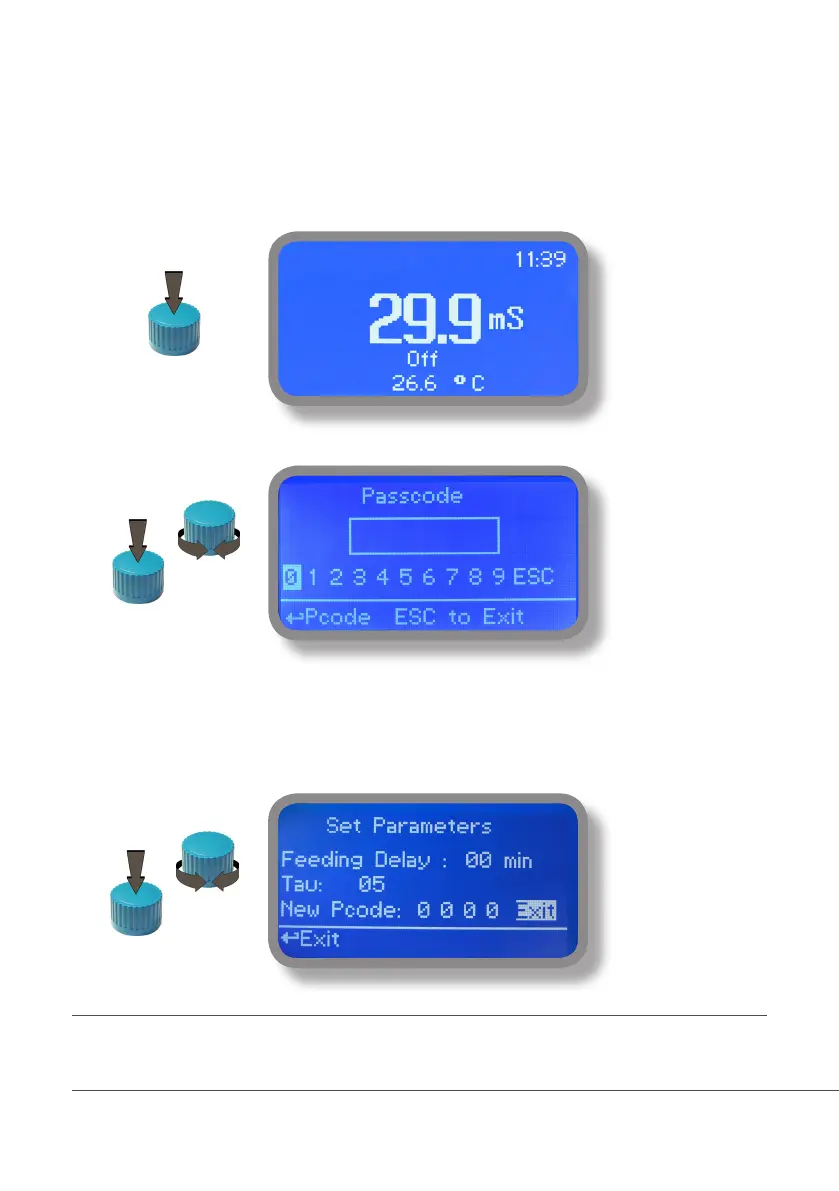
To grant access into “Main Menu” press the wheel from main screen and enter the passcode.
If this is the first time here then the passcode is 0000 (factory preset). Press wheel 5 times to enter into “Main
Menu”. Otherwise press the wheel 1 time and enter the passcode. Numbers can be selected rotating the wheel.
To set a new passcode choose “PARAMETERS” from “Main Menu” , move on “New Pcode”, click on wheel and
enter a four numbers code. Click on “EXIT” and choose “YES” to save request. The new passcode is now ready.
Lost passcode ?
Please dont’ forget the passcode (if changed). In the unfortunate event, please call your local distributor for unlocking procedure. There is no way for you
to recover lost passcode.
X5



 To Next Page