22
16. “Flow Contact”
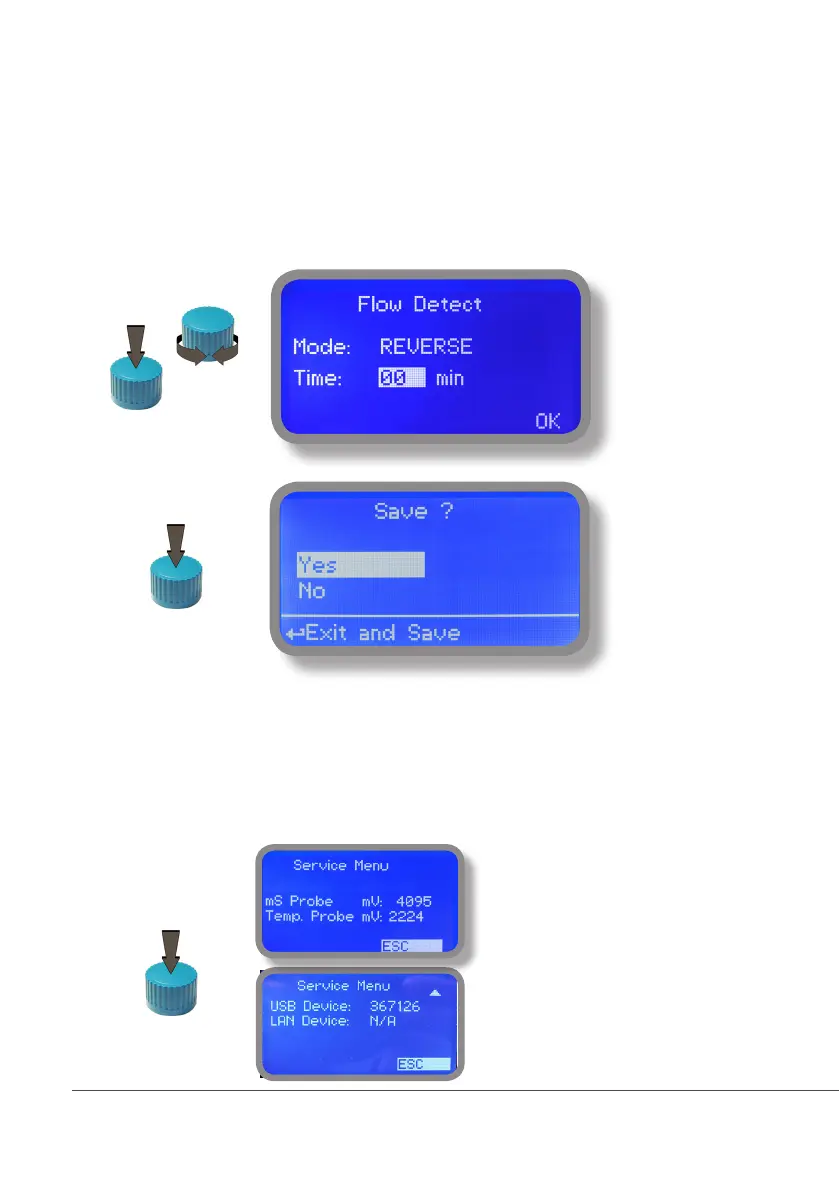
Flow contact (see “SEPR” blocks on page 4) can be enabled to stop a dosing procedure using a N.O. contact mode
(normally open) or N.C. contact mode (normally closed) when status on blocks changes. Rotate wheel to choose
between: “DISABLE”, “REVERSE” (N.O. contact) or “DIRECT” (N.C. contact).
Furthermore “Flow contact” can starts after a specified time when contact status changes. To set it move wheel on
“Time:00 min”, click it and rotate to choose time (from 0 to 99 minutes). Confirm selection by clicking wheel.
To end procedure move cursor on “OK” and press wheel to proceed to “Save” request screen. Move wheel on
“YES” to save or “NO” to discard changes.
17. “Service”
This “view only” menu shows probes reading live and instrument ID for USB LOG connection (if device’s con-
nected). Press “ESC” to exit.
Connection Code for ERMES (through USB cable)
Connection Code for ERMES (through LAN cable)



 To Next Page