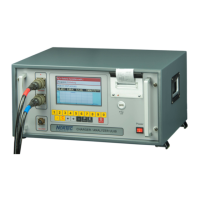
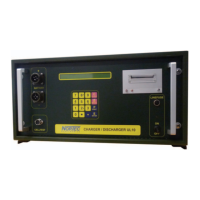
CHARGER / DISCAHRGER UL10 OPERATION MAUNAL
16 © NorTec Electronics 2014
5.2 Self-Test
Put the switch POWER ON/OFF (2.1.1а) into the position ON.
The red LED indicator on the front panel (2.1.1b) should light; no voltage in the mains. The Display
is lit.
After voltage is switched on the display should show the following information for 2 seconds
- the rights of the manufacturer
- the device model
- the software version
- the software date
- the check status
Test OK
The test is complete
Concurrently a short sound beep sounds indicating that the device is ready for operatation.
If the self-test detects any failure in the device the following message is displayed:
The appendix lists possible failure messages. These messages are in English, as a rule.
If the device operates without failures the information about the type of the connected battery is to
be input (see item 6.6)
Then a pre-installed program 0-8 to service the battery and the program P and * are selected.
The key B enables to return to the item of selection of the battery type.
COPYRIGHT 2000-2003 BY NORTEC
UL10 V20.108 REVISION 11.10.2003 SELFTEST
FAILURE: EQUIPMENT
KEYBORD


 To Next Page