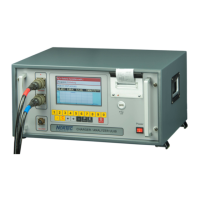
CHARGER / DISCAHRGER UL10 OPERATION MAUNAL
© NorTec Electronics 2014
17
6 System adjustment
After self test and selection of the battery type the key * opens the menu to show options of Chang-
ing various parameters of the device. The input data are saved in the energy-independent memory
of the device and remain available when the device is switched on again or when voltage fails in the
mains.
When the key * is hit a menu of system adjustment is displayed in order to select a language of
messages and to select the date and specific time indication.
6.1 Language Selection
By hitting the key 0 the current language selection is confirmed (English by default), use the key 1 to
scan consecutively the available languages. After that the display shows messages in the selected
language. So far the following languages are available in the UL-10 device:
- English
- German
- French
- Russian
(- Dutch: only four languages can be choose!)


 To Next Page