MX2000 LED Display Controller User Manual
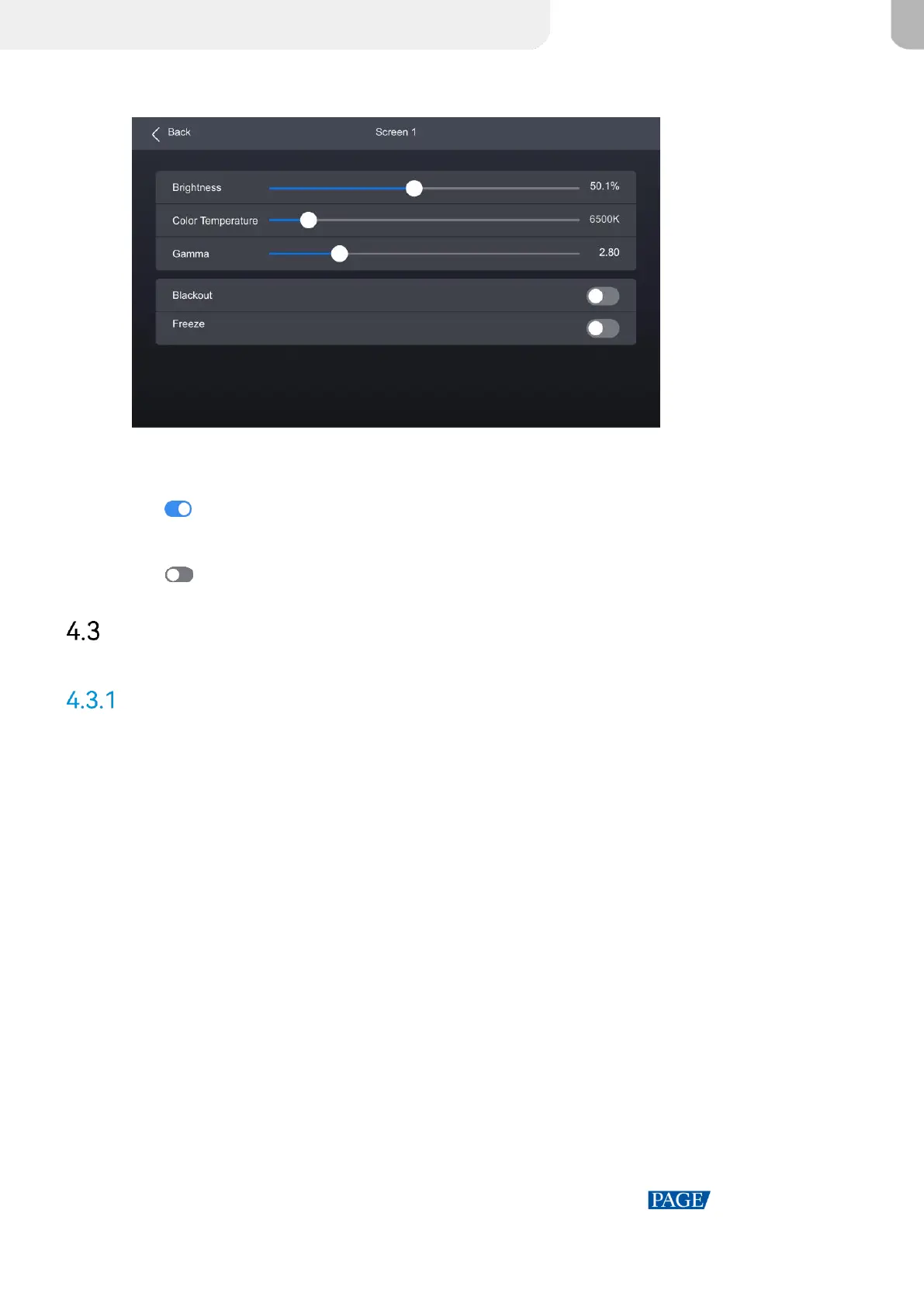
Figure 4-5 Set screen status
Step 3 Select Blackout or Freeze and then press the knob to toggle on or off the switch.
: Enabled. The screen display will turn black or freeze, but the playback will not be
interrupted.
: Disabled.
Input
Set Internal Source
Step 1 Select Input from the main menu to access the input source list.
Step 2 Select Internal source to open the parameter settings.



 To Next Page