MX2000 LED Display Controller User Manual
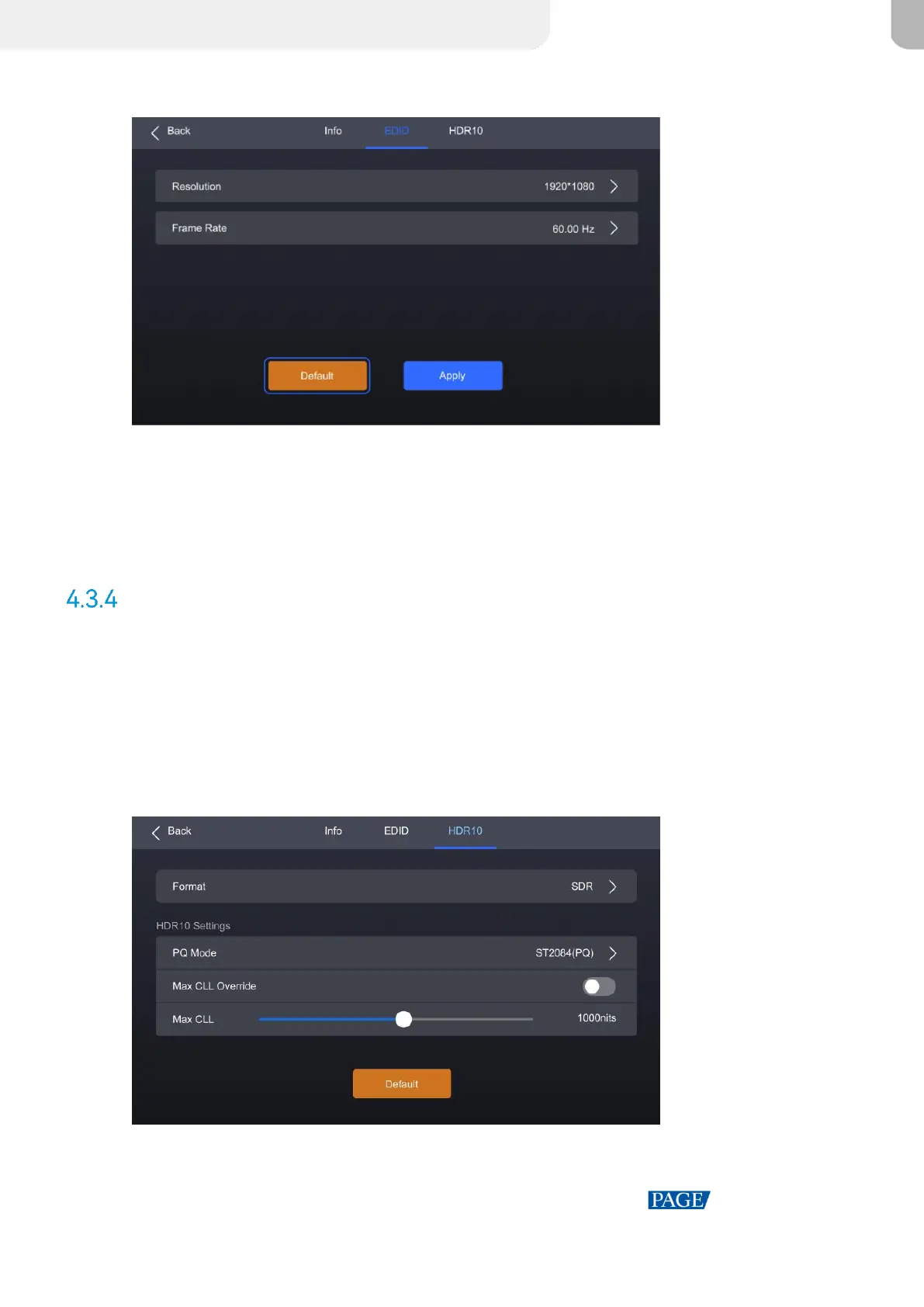
Figure 4-8 EDID
Step 4 Select Resolution and Frame Rate in sequence and set a value for each in the pop-up dialog
box.
Step 5 After the settings are done, click Apply.
Set HDR
Step 1 Select Input from the main menu to access the input source list.
Step 2 Select an input source to open the parameter settings.
Step 3 Navigate to the HDR10 tab.
Figure 4-9 HDR10
Step 4 Select Format and then select Auto, HDR10, HLG, or Close from the pop-up dialog box.



 To Next Page