MX2000 LED Display Controller User Manual
Set Temperature Scale
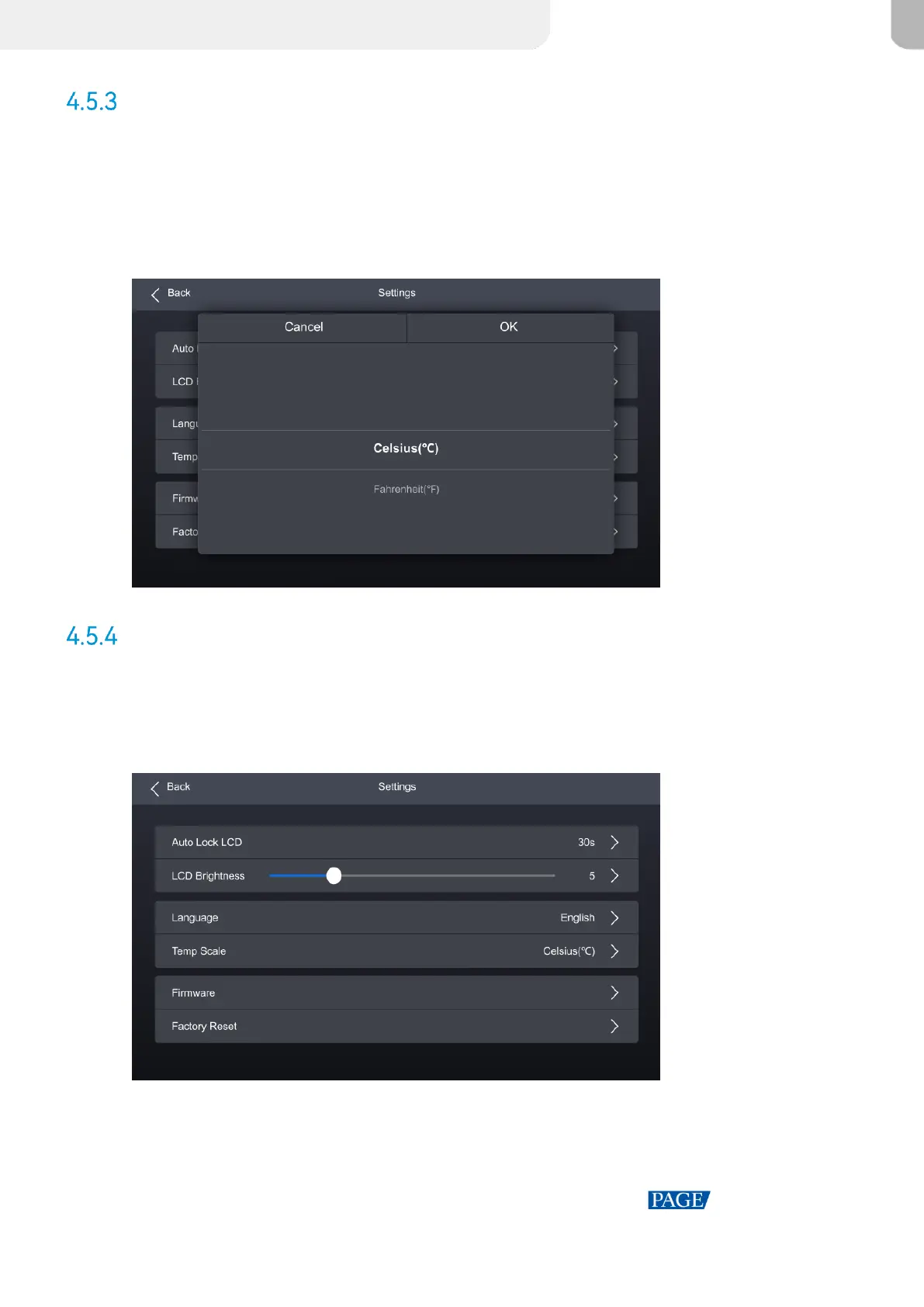
Step 1 Select Settings from the main menu to access the system settings interface.
Step 2 Select Temp Scale and then select Celsius(℃) or Fahrenheit(℉) from the pop-up dialog box.
Figure 4-14 Set Temperature Scale
Check Firmware Information
Step 1 Select Settings from the main menu to access the system settings interface.
Figure 4-15 Check firmware information
Step 2 Select Firmware to open the sub-interface.
Step 3 Select Controller, Input Card, and Output Card tab to check the related information.



 To Next Page