MX2000 LED Display Controller User Manual
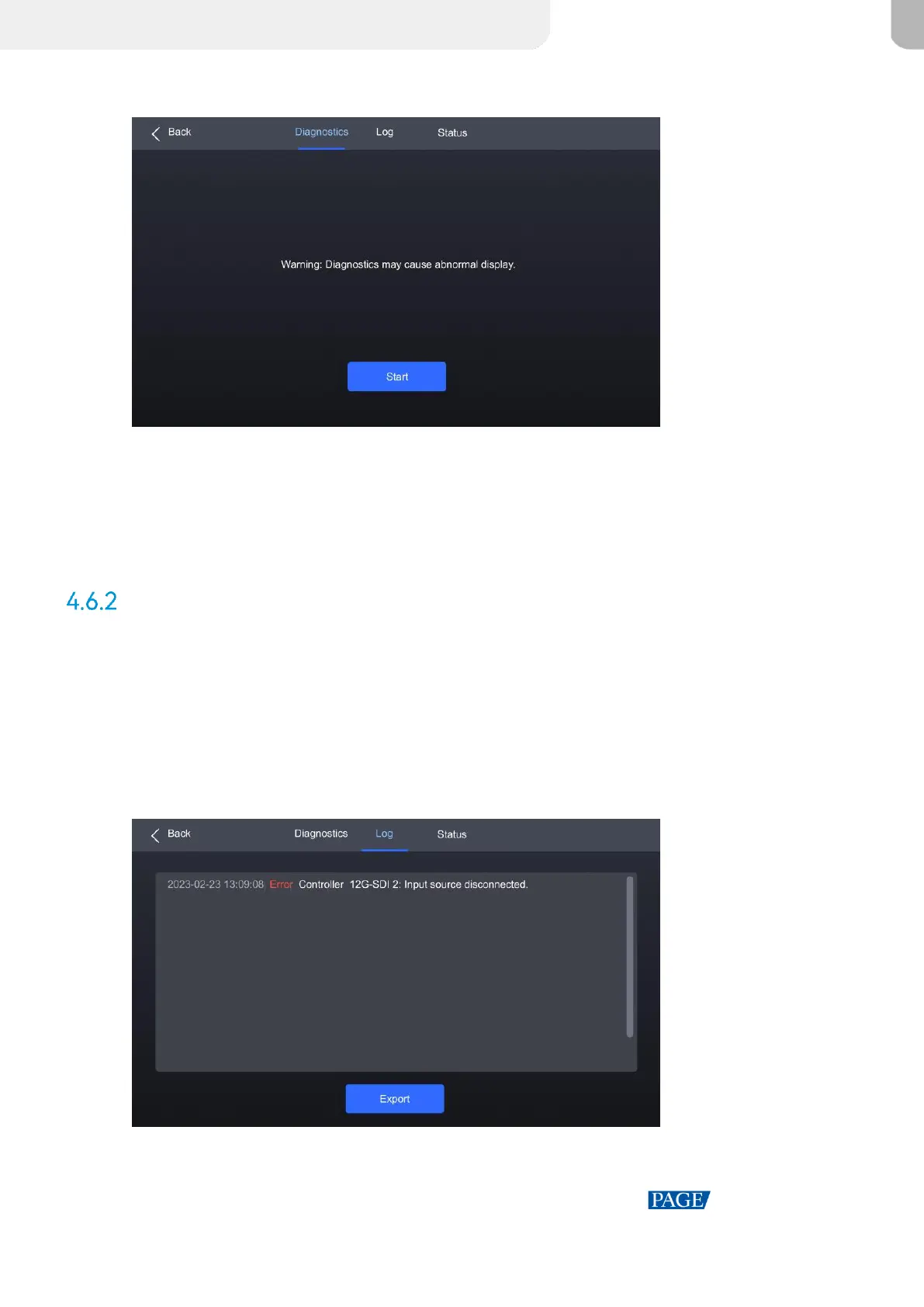
Figure 4-17 Diagnostics
Step 2 Navigate to the Diagnostics tab and select Start.
Step 3 Once the diagnostic process is completed, select Details to check the diagnostic result. You can
also select Export to export the result into a USB drive.
View and Export Logs
To export the logs, insert a USB drive to the USB port on the front panel of the device.
Step 1 Select Maintain from the main menu to access the settings interface.
Step 2 Navigate to the Log tab to check the device logs.
Figure 4-18 Device log



 To Next Page