MX2000 LED Display Controller User Manual
Green: Connected
Gray: Disconnected
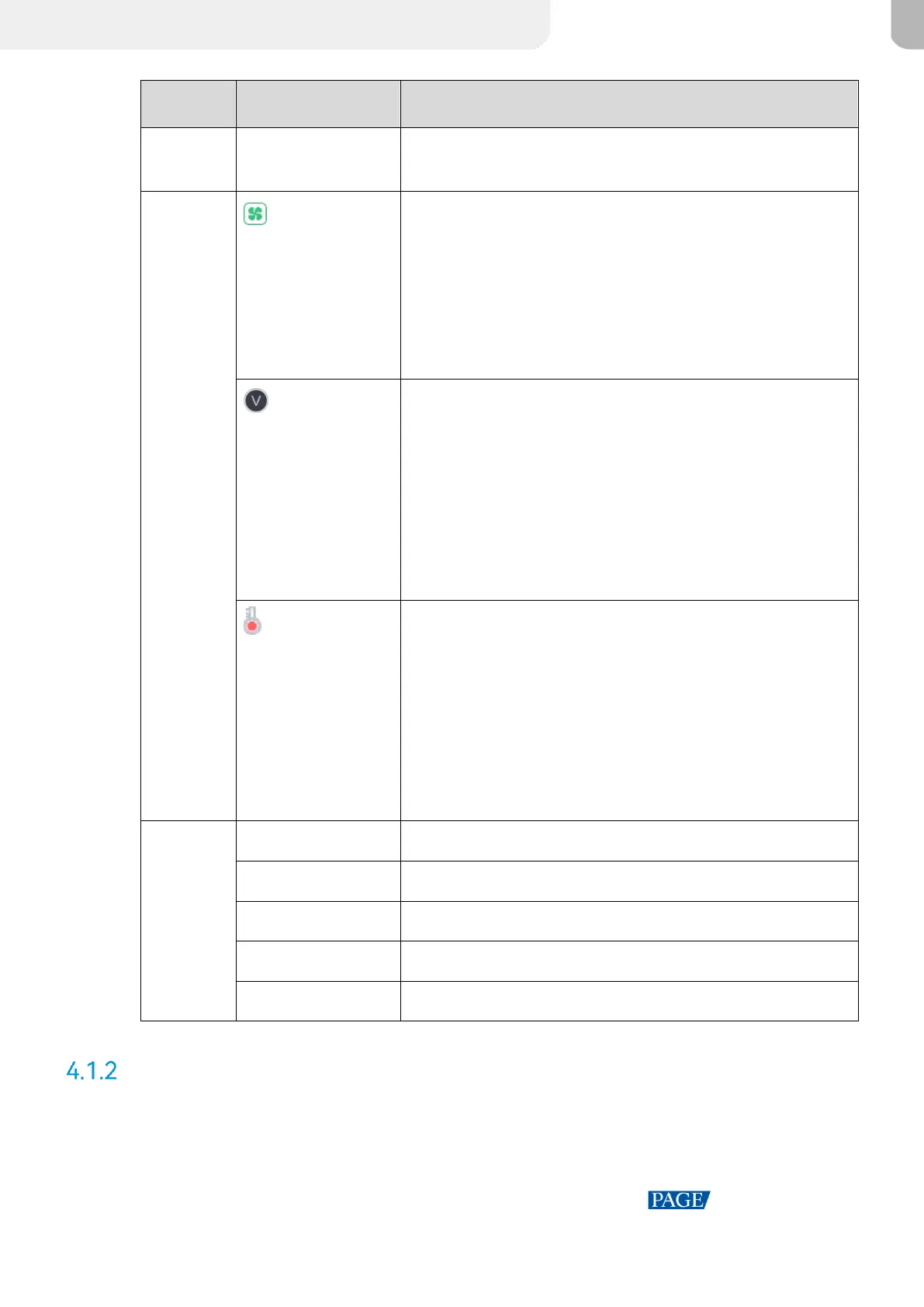
The chassis fan speed
Green: The fan speed is normal.
Yellow: Fan speed alarm. The speed exceeded the threshold
range.
Yellow: Fan speed alarm. The speed exceeded the threshold
range significantly.
The supply voltage of the mainboard.
Meaning of numerical colors:
Green: The voltage is normal.
Yellow: Voltage alarm. The voltage has exceeded the
threshold range.
Red: Voltage alarm. The voltage exceeded the threshold
range significantly.
The temperature inside the chassis
Meaning of numerical colors:
Green: The temperature is normal.
Yellow: Temperature alarm. The temperature exceeded the
threshold range.
Red: Temperature alarm. The temperature exceeded the
threshold range significantly.
The sync signal currently used.
The number of screens with load.
The number of screens that are blacked out.
The number of screens that are frozen.
Main Menu
On the home screen, touch the icon at the bottom right or press the knob to enter the main
menu page.



 To Next Page