MX2000 LED Display Controller User Manual
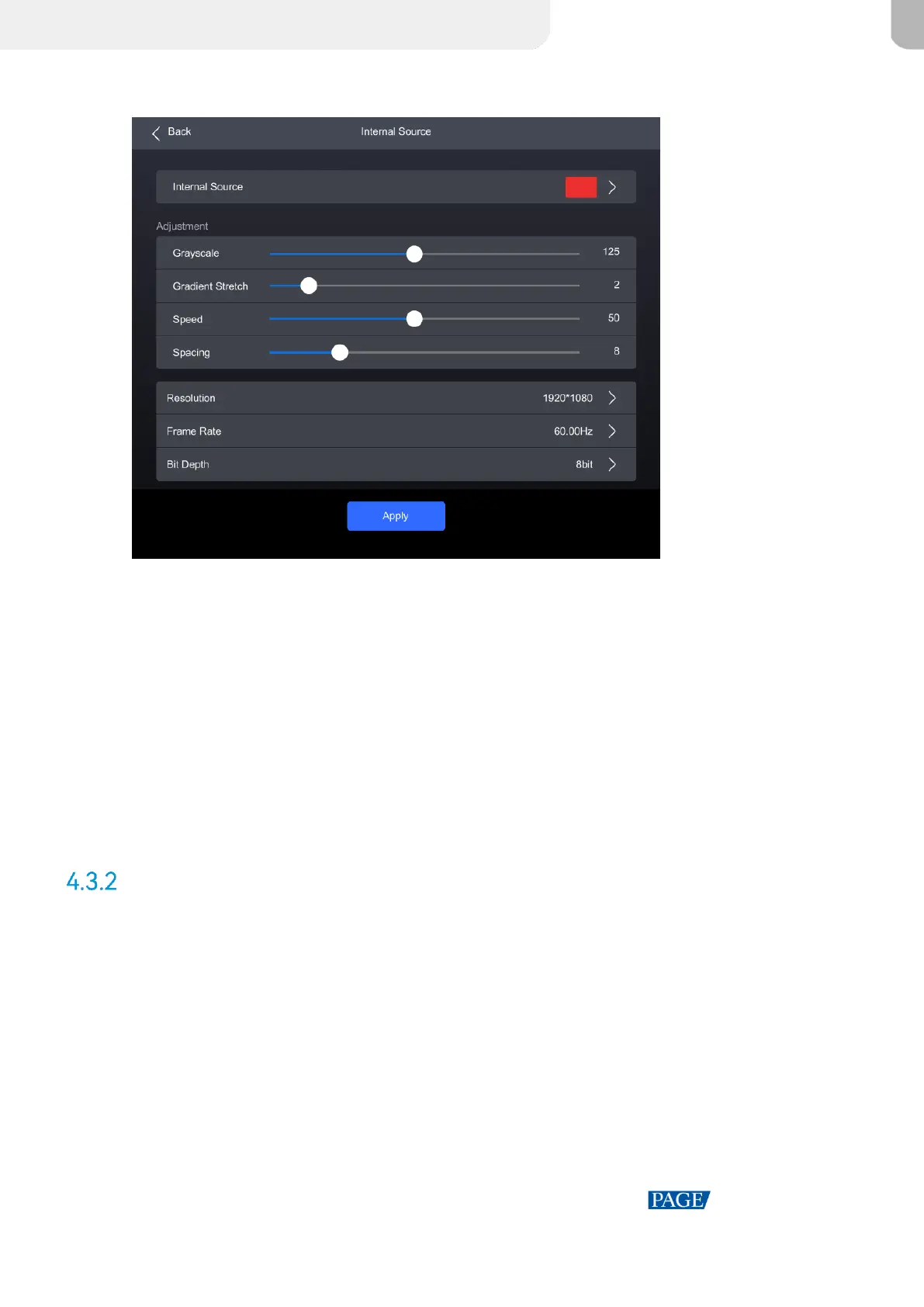
Figure 4-6 Internal source
Step 3 Select Internal Source, navigate to the sub-interface, and then select an image.
Step 4 Press BACK to return to the parameter settings.
Step 5 Set the Grayscale, Gradient Stretch, Speed, and Space. The adjustable parameters for each
image may vary based on the interface.
Step 6 Select Resolution, Frame Rate, and Bit Depth in sequence and set a value for each in the pop-
up dialog box.
Step 7 After the settings are done, click Apply.
Check Input Source Information
Step 1 Select Input from the main menu to access the input source list.
Step 2 Select an input source to access the Information tab.



 To Next Page