MX2000 LED Display Controller User Manual
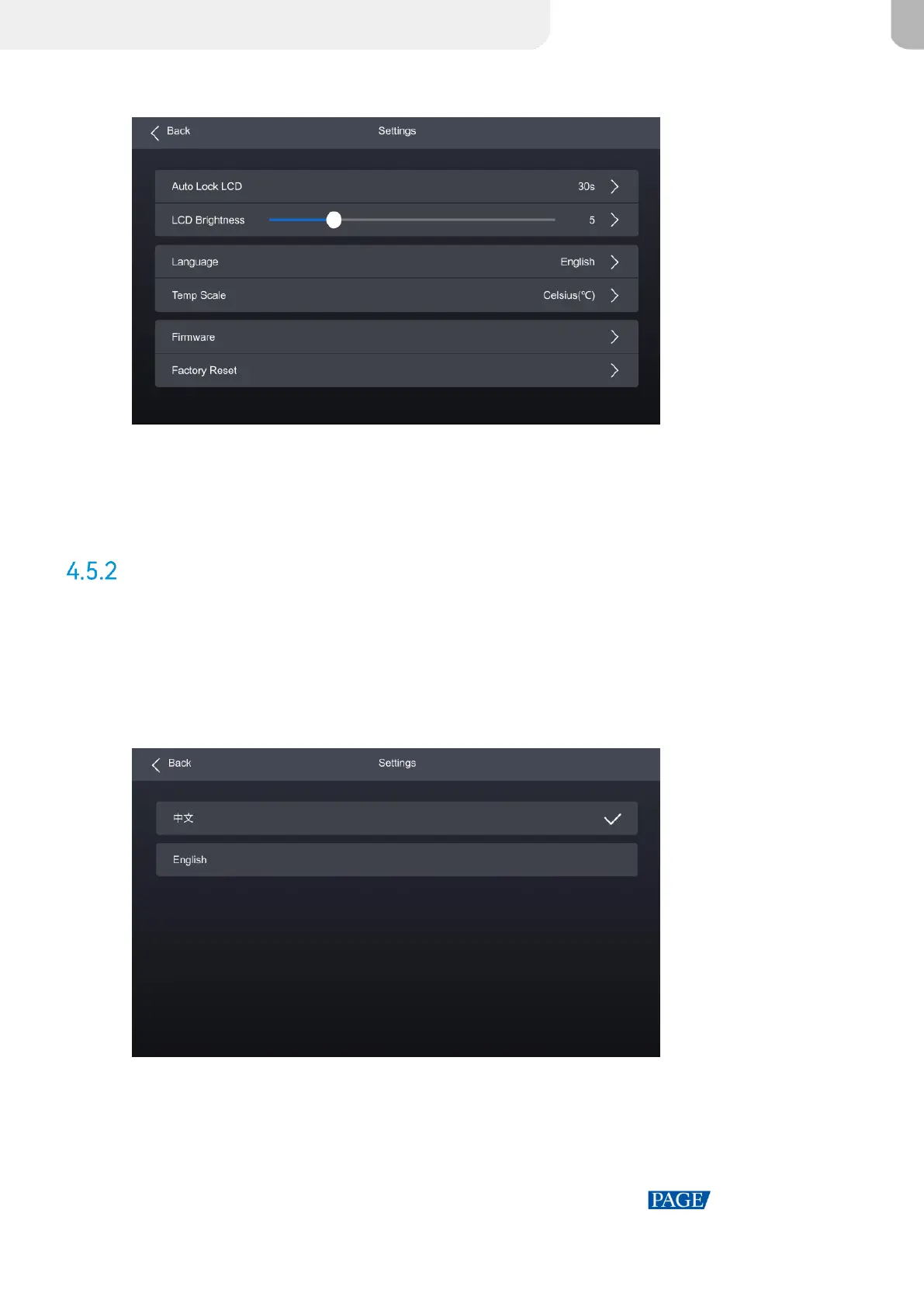
Figure 4-12 Configure LCD screen
Step 2 Select Auto Lock LCD and set a value in the pop-up dialog box.
Step 3 Select LCD Brightness and adjust the value.
Setting Language
Step 1 Select Settings from the main menu to access the system settings interface.
Step 2 Select 语言/Language to open the sub-interface.
Figure 4-13 Language settings
Step 3 Select 中文 or English.



 To Next Page