MX2000 LED Display Controller User Manual
Screen
Set Brightness, color temperature and gamma
Step 1 Select Screen from the main menu to access the screen list.
The list displays screen names, sync signal sources, and brightness.
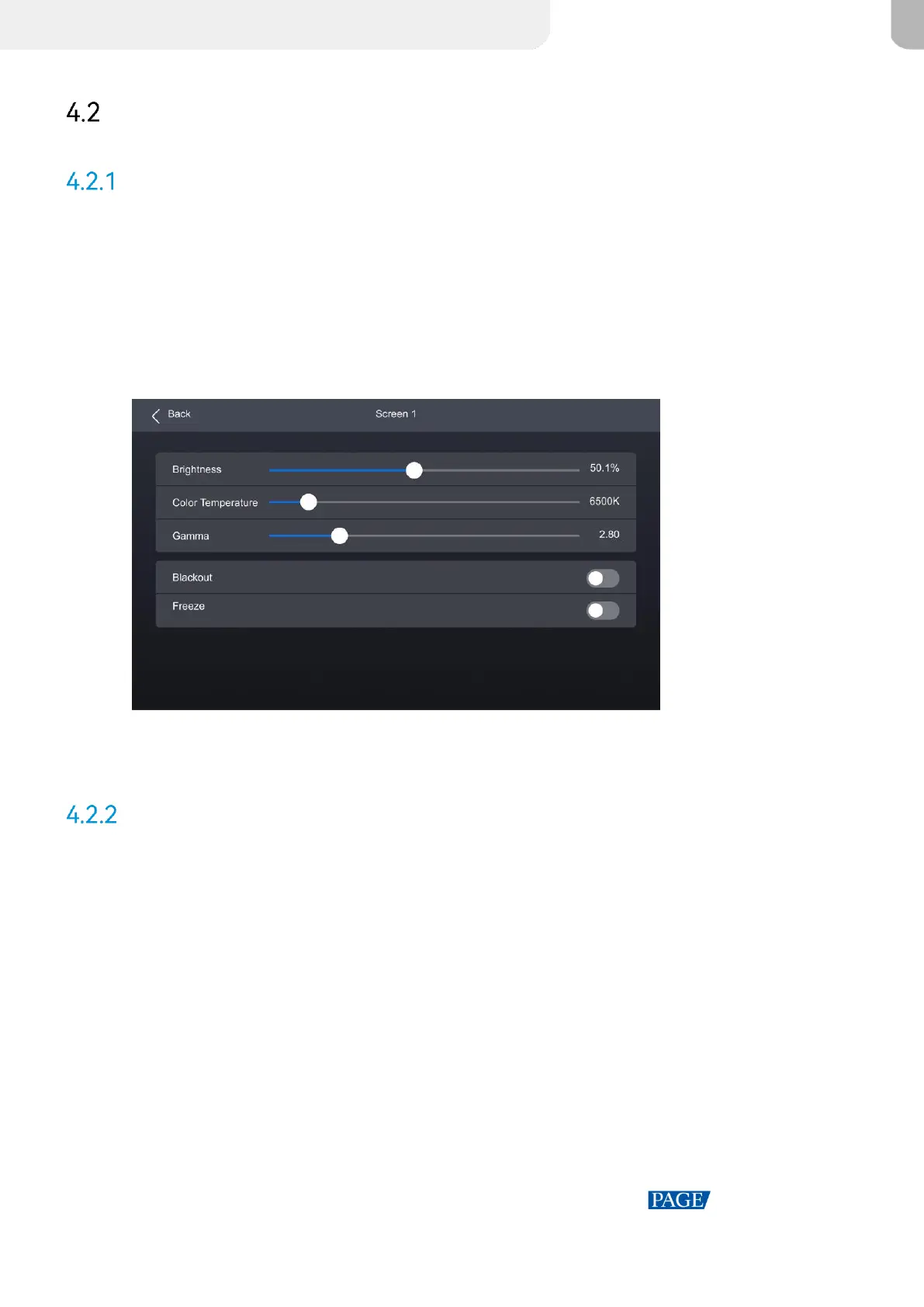
Step 2 Select a screen to open the parameter settings.
Figure 4-4 Set Brightness, color temperature and gamma
Step 3 Adjust the values for brightness, color temperature and gamma.
Set screen status
Step 1 Select Screen from the main menu to access the screen list.
The list displays screen names, sync signal sources, and brightness.
Step 2 Select a screen to open the parameter settings.



 To Next Page