MX2000 LED Display Controller User Manual
Factory Reset
Step 1 Select Settings from the main menu to access the system settings interface.
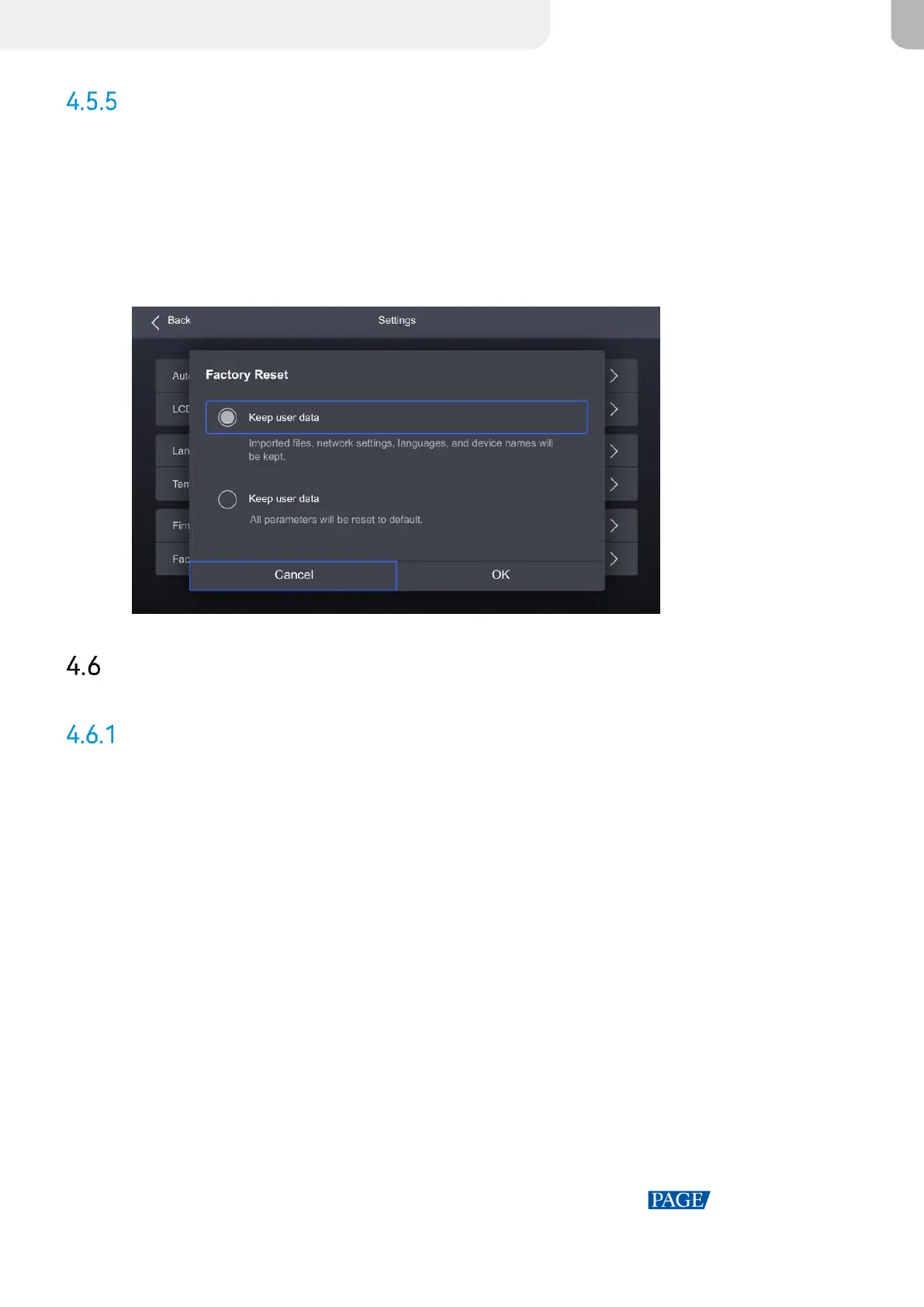
Step 2 Select Factory Reset and then select Keep user data or Reset All from the pop-up dialog box.
Finally, select OK.
Figure 4-16 Factory Reset
Maintenance
Diagnostics
Upon Powering Up
When the device is powered on, it automatically conducts a diagnostic process:
Normal startup: All functions of the MX6000 Pro are available for use.
Abnormal startup: Depending on the displayed error message, you can choose to export the
diagnostic results or continue to operate in a limited functionality state.
Maintenance
To export the diagnostics log, insert a USB drive to the USB port on the front panel of the device.
Step 1 Select Maintain from the main menu to access the settings interface.



 To Next Page