Nytech DC-8200 Advanced Settings
56 - English
Advanced Settings
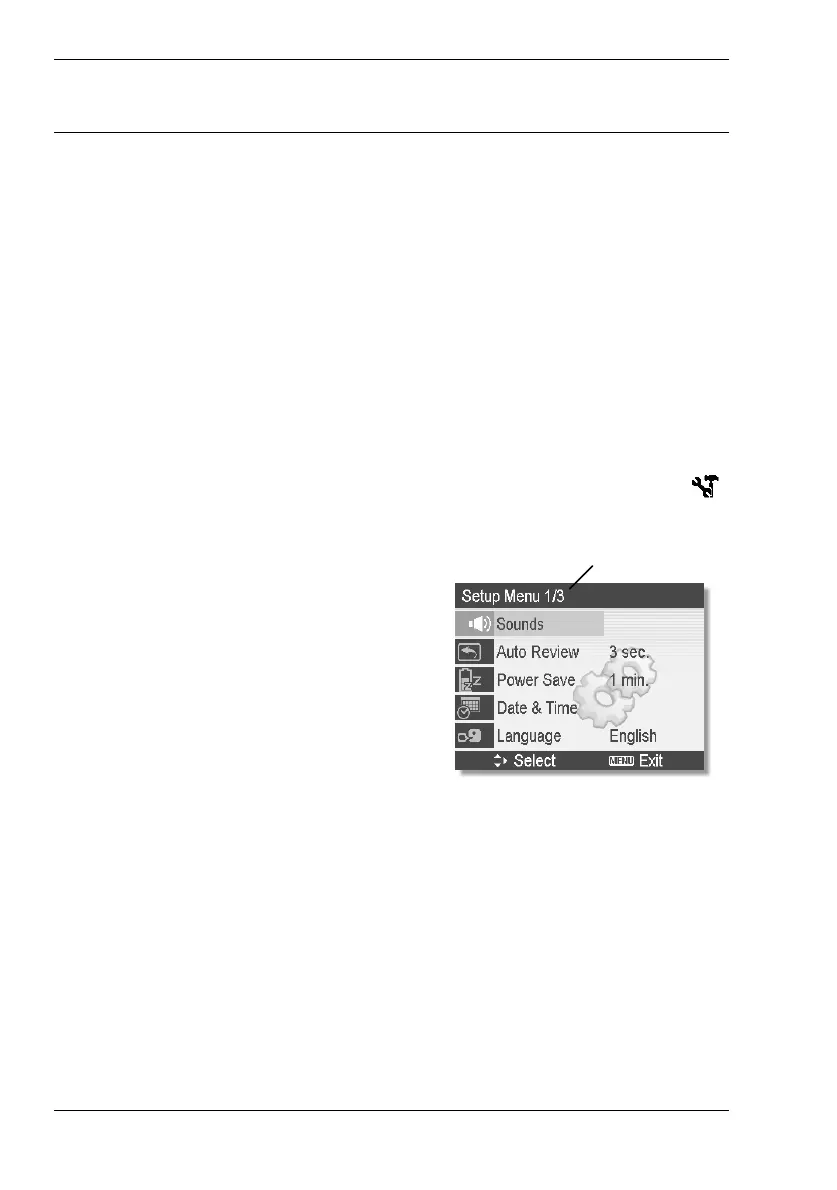
Setup Menu
The Setup menu contains basic control and functional options of your
Nytech DC-8200. You can access this menu from any of the main menus
(see page 33 – Record Menu - Setup, page 42 Video Menu – Setup and
page 52 Playback Menu - Setup).
On the following pages, we will access via the Record menu to go to the
Setup menu settings.
1. Power the camera on by pressing and holding the Power button [2]
for approx. 1 second.
2. Press the Menu button [6] to toggle to the Record menu.
3. Press W or X on the four-way button [9] to select Setup (icon
)
and then press the SET button [8] to open the Setup menu.
Level 1 of 3
The Setup menu consists of three
levels. Our example shows the first
level. Press S or T on the four-way
button to choose any option. When
reaching the last option, the next
menu level will appear.
4. Press the SET button [8] to select an option.
5. Press W, X, S or T on the four-way button to choose or change
the different menu options. Press the SET button [8] to apply the
changes.



 To Next Page