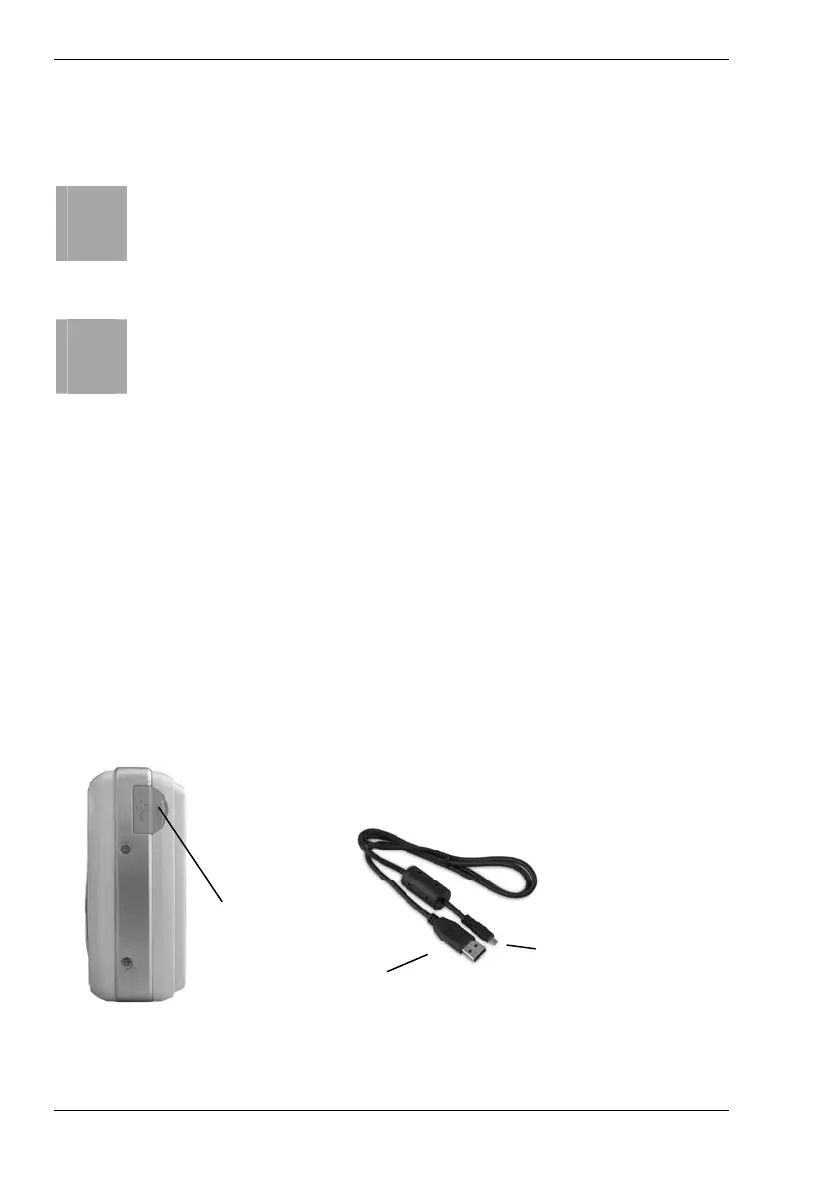
Nytech DC-8200 Connectors
62 - English
your television set. Control the camera as usual, e.g. start a slide show
(see page 47 – Slide Show) to play all images automatically.
i
If the picture is only displayed in black and white on the TV make
sure that the TV system setting is correct for your TV (see page
58 – TV Out).
!
Power the Nytech DC-8200 off prior to connecting or
disconnecting the AV cable to/from the camera.
Copying Pictures to a Computer
There are two possible ways to copy pictures from the Nytech DC-8200 to
a computer:
1. by connecting the camera to a computer via the USB cable
2. by inserting the SD memory card into a card reader
Using the USB Cable
Windows
®
XP and Windows Vista™ operating systems will detect the
camera automatically as a mass storage device.
USB cable
Connection port
Connector
USB connector to PC



 To Next Page