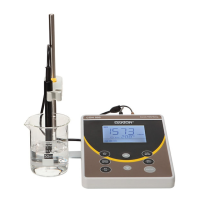
Instruction Manual CON 11/110
19
4.7.3 Calibrating for TDS using TDS standards
After setting the correct TDS Factor, you can commence calibration in the TDS
mode.
From the measurement mode,
1. If necessary, press the MODE key to select the TDS mode.
2. For the rest of the calibration process, repeat the similar step 2 to 6 as in the
section of Manual Calibration on page 17, this time using the TDS calibration
standards.
NOTE: You can offset the TDS reading up to ± 40% from the default setting. If your
measured value differs by more than ± 40%, clean or replace electrode as needed.



 To Next Page