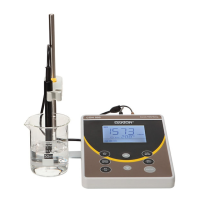
Instruction Manual CON 11/110
2
2 DISPLAY AND KEYPAD FUNCTIONS
2.1 Display
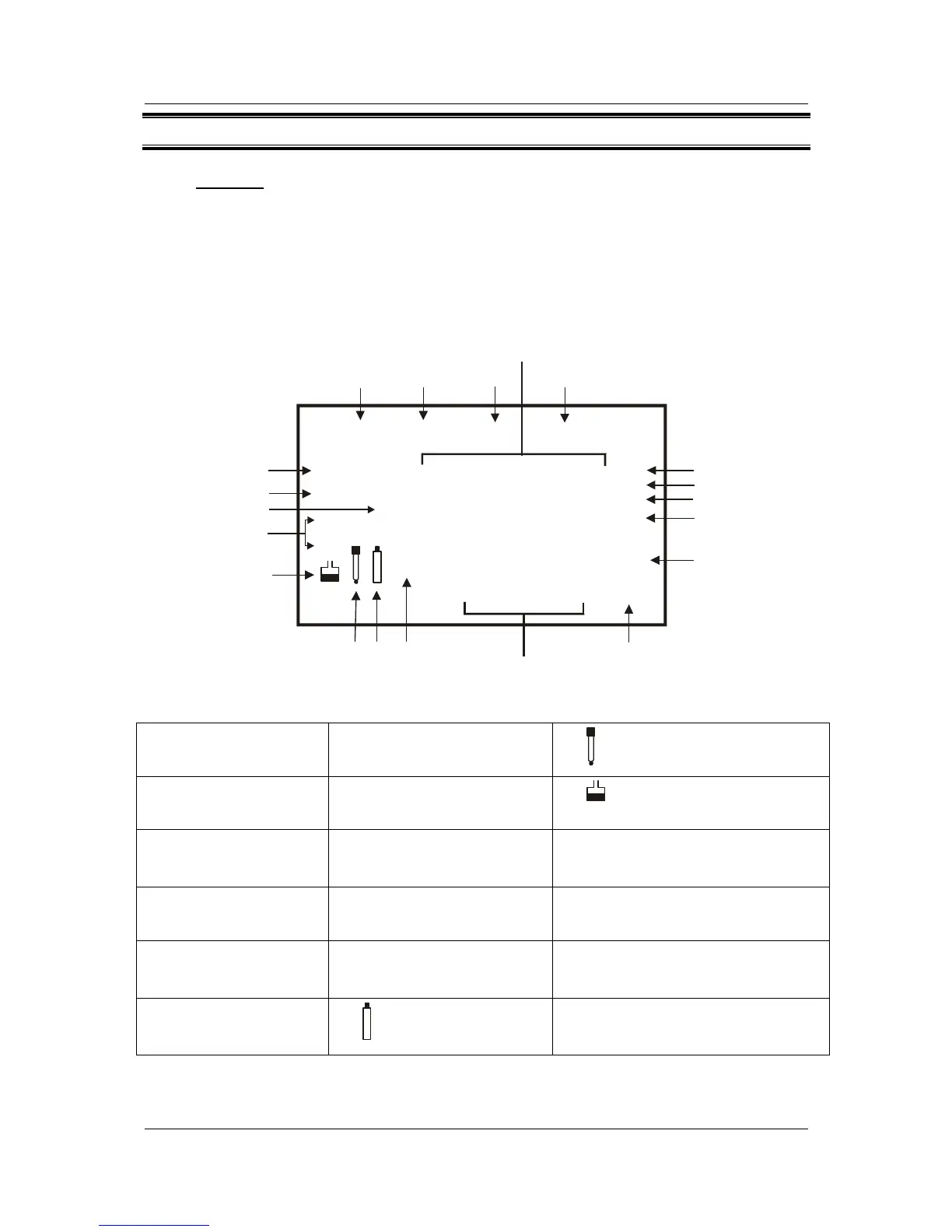
The LCD has a primary and secondary display.
• The primary display shows the measured Conductivity/TDS values.
• The secondary display shows the measured temperature.
The display also shows error messages, keypad functions and program functions.
SETUP MEAS
CAL MEM
Primary Display
Secondary Display
ERR
ATC
°C °F
READY
HOLD
ON
OFF
1.8.8.8
1.8.8.8
1
2
3
4
5
6
7
8
9
101113 12
14
15
16
17
18
mS
ppt
ppm
µ
S
K =
Figure 1: Active LCD display
1. SETUP - Setup mode
indicator
7. ppt - Parts per thousand
indicator
13.
- Electrode indicator
2. MEAS - Measurement
mode indicator
8. ppm - Parts per million
indicator
14.
- Calibration solution indicator
3. CAL - Calibration mode
indicator
9. °C°F - Temperature indicator 15. ON – READY/Auto HOLD set up
enable indicator.
OFF – READY set up disable indicator
4. MEM - Memory recall
mode indicator
10. ATC - Automatic
Temperature
Compensation indicator
16. K = - Cell Constant indicator.
5. ms - Mill siemens
indicator
11. ERR - Error indicator 17. HOLD – Hold indicator
6. µs - Micro siemens
indicator
12.
- Low battery indicator
18. READY – Ready indicator



 To Next Page