Instruction Manual CON 11/110
25
5.5 HOLD Function
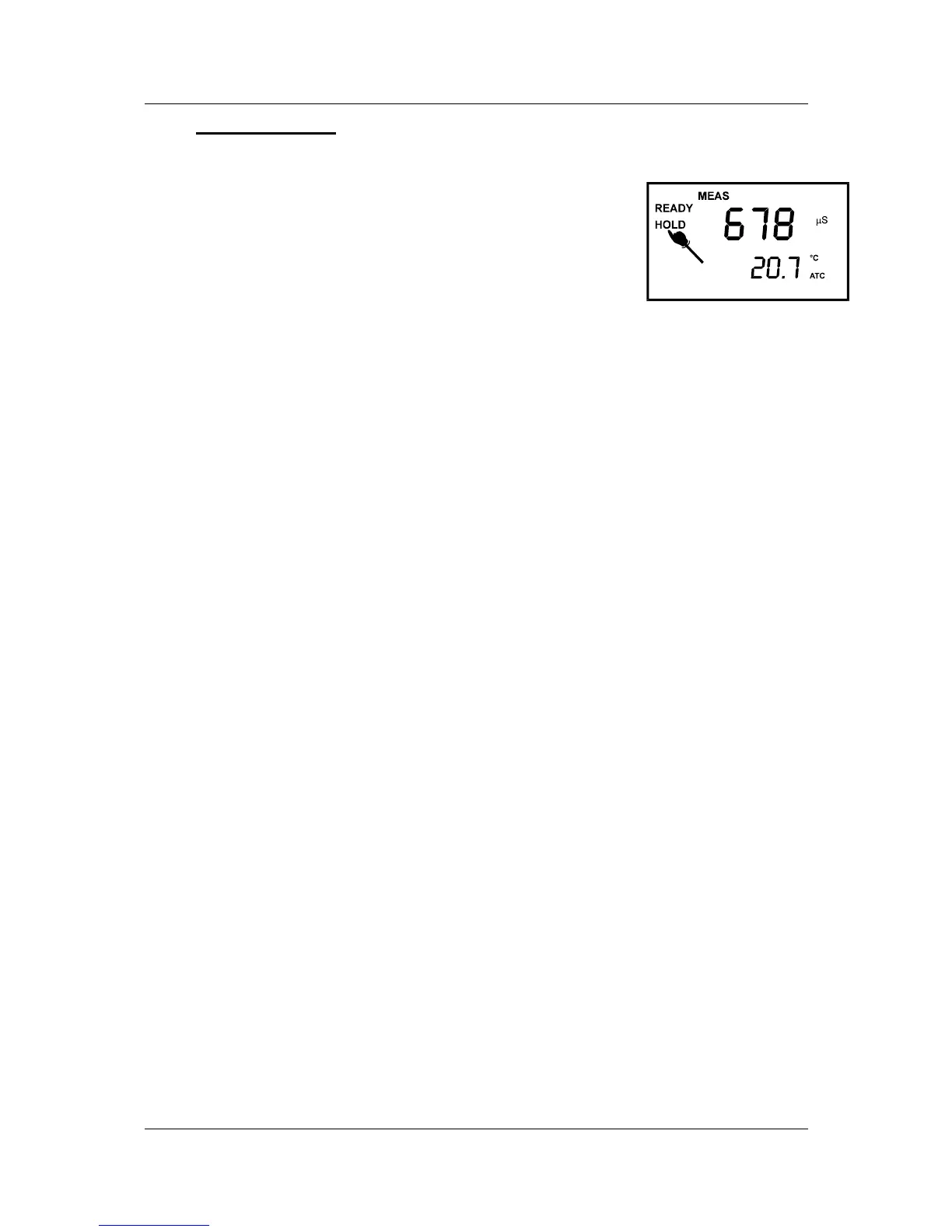
This feature lets you freeze the display for a delayed observation. HOLD/ENTER can
be used any time in MEAS mode.
1. To hold a measurement, press the HOLD/ENTER key
while in measurement mode. “HOLD” will appear on
the display.
2. To release the held value, press the HOLD/ENTER
again. Continue to take measurements.
NOTE:
• If the meter is shut off either automatically or
manually, the HOLD value will be lost. For longer storage, use the memory
functions (see pages 26).
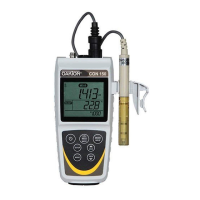
Figure 21: HOLD freezes
measurement


 To Next Page