Instruction Manual CON 11/110
60
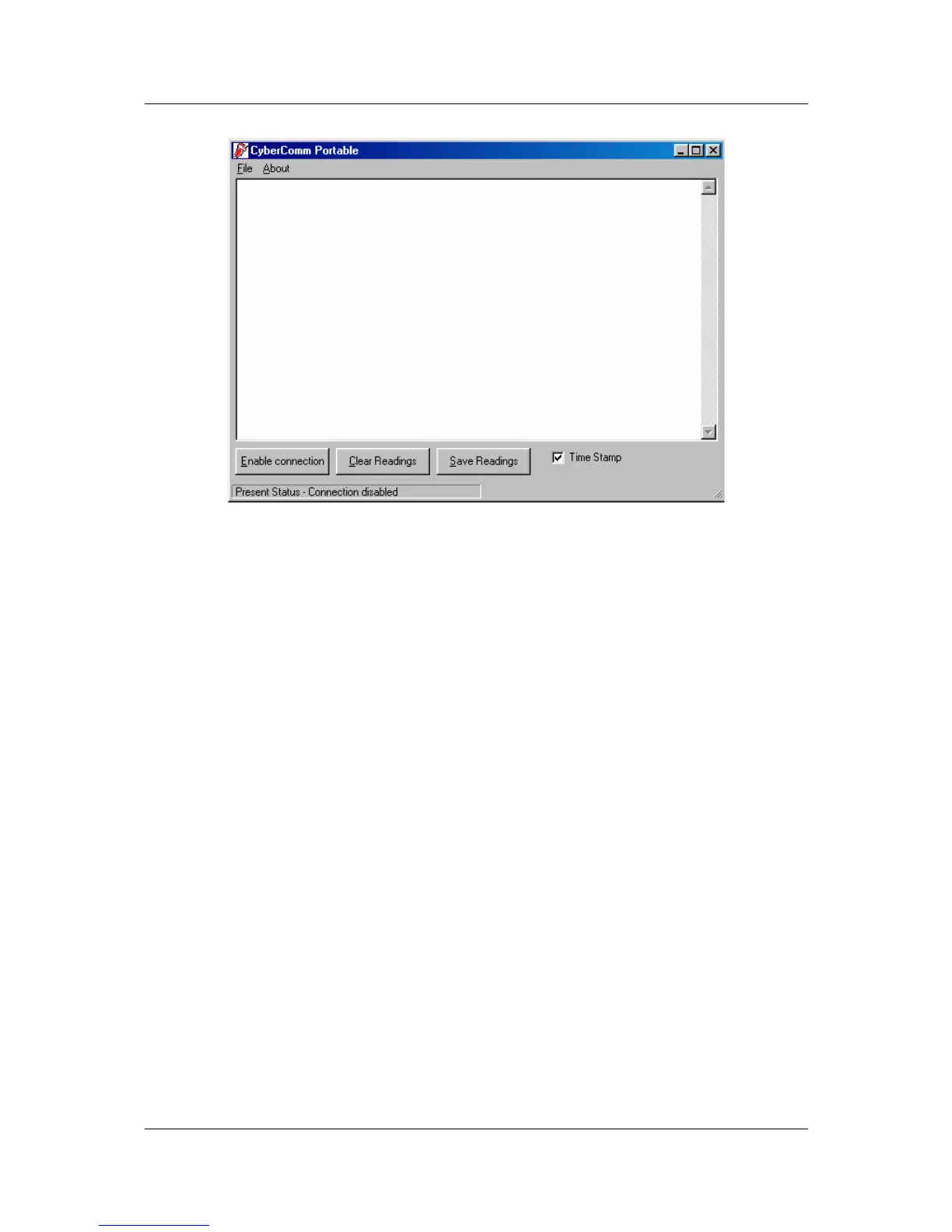
Figure 60: The opening screen will appear as above
9.3.1 Buttons & Check-Box
1. Enable Connection - Click this button to enable communication between
meter and computer.
2. Clear Readings - To clear all data and start all over again.
3. Save Readings - To save all data displayed in either *.dat or *.txt format.
4. Time Stamp - To include Time and Date stamp when collecting the data.
Time and date information comes from the computer.



 To Next Page