Instruction Manual CON 11/110
39
8.2.2 P1.2: Selection of °C or °F
Available in CON 110 only
You can select between °C and °F units for temperature
readings. Meter default is °C.
From measurement mode
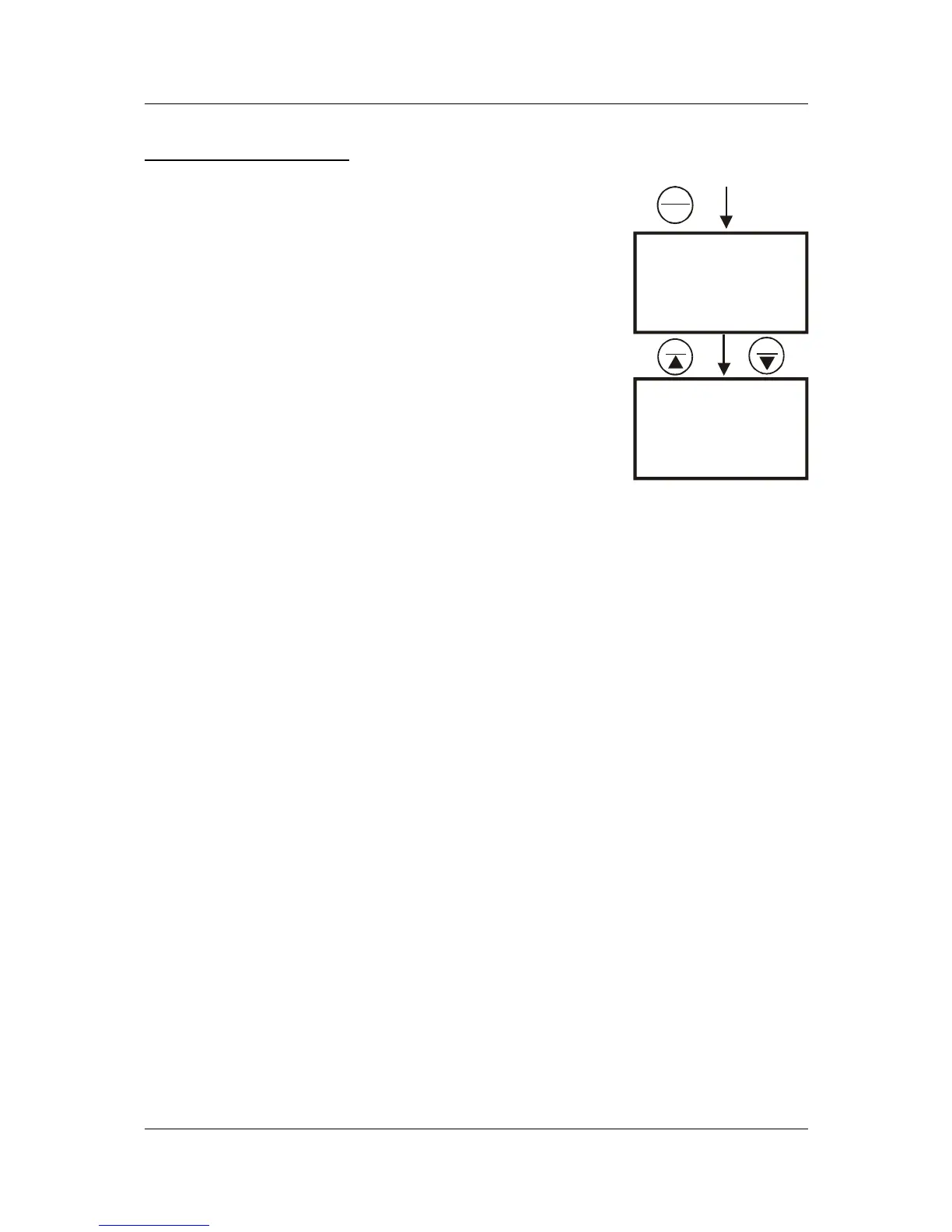
1. Press SETUP key to enter Set Up menu.
2. Press the HOLD/ENTER keys until you view
parameter P1.2.
3. Press the MI/▲ or MR/▼ key to select between °C
and °F.
4. Press the HOLD/ENTER key to confirm selection.
5. Press the CAL/MEAS key to return to measurement
mode.
SETUP
C
p 1.2
°C
SETUP
F
p 1.2
°F
MI
MR
HOLD
ENTER
Figure 32: P1.2-Select
°C or °F



 To Next Page