118
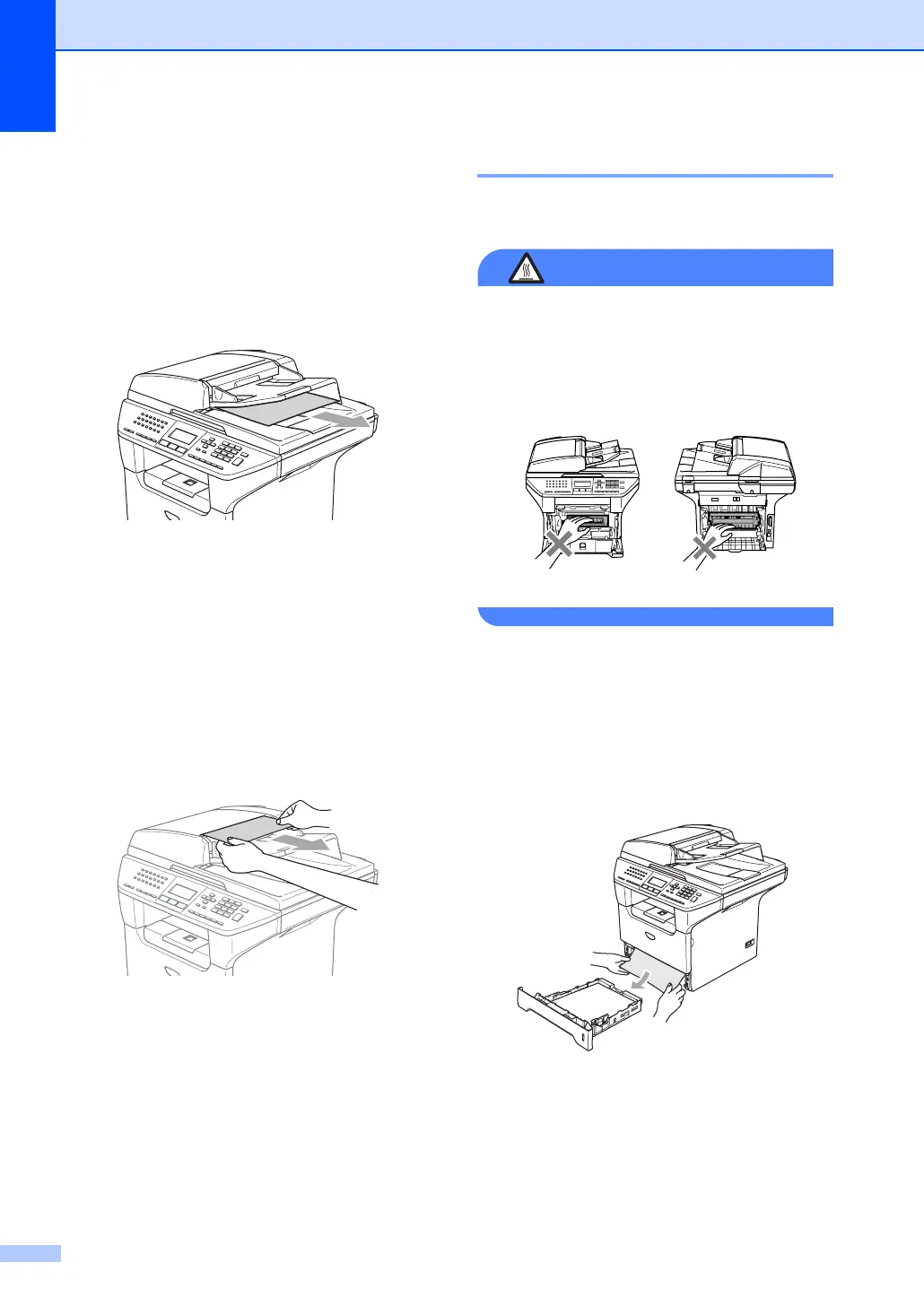
Document is jammed at the output
tray
C
a Take out any paper from the ADF that is
not jammed.
b Pull the jammed document out to the
right.
c Press Stop.
Document is jammed in the duplex
slot
C
a Take out any paper from the ADF that is
not jammed.
b Pull the jammed document out to the
right.
c Press Stop.
Paper jams C
To clear paper jams, please follow the steps
in this section.
HOT SURFACE
After you have just used the machine, some
internal parts of the machine will be
extremely hot. When you open the front or
back cover of the machine, DO NOT touch
the shaded parts shown in the illustration.
Paper is jammed inside the machine C
a Pull the paper tray completely out of the
machine.
b Use both hands to slowly pull out the
jammed paper.



 To Next Page