Security features
27
4
Switching Users 4
This setting allows a restricted user to log on
the machine when Secure Function Lock is
turned on.
Note
After a restricted user has finished using
the machine, it will return to the Public
setting within the same time as the Mode
Timer setting (Menu, 2, 1). See Mode
timer on page 16. Also, you can exit from
an individual user by pressing the lighted
Mode key.
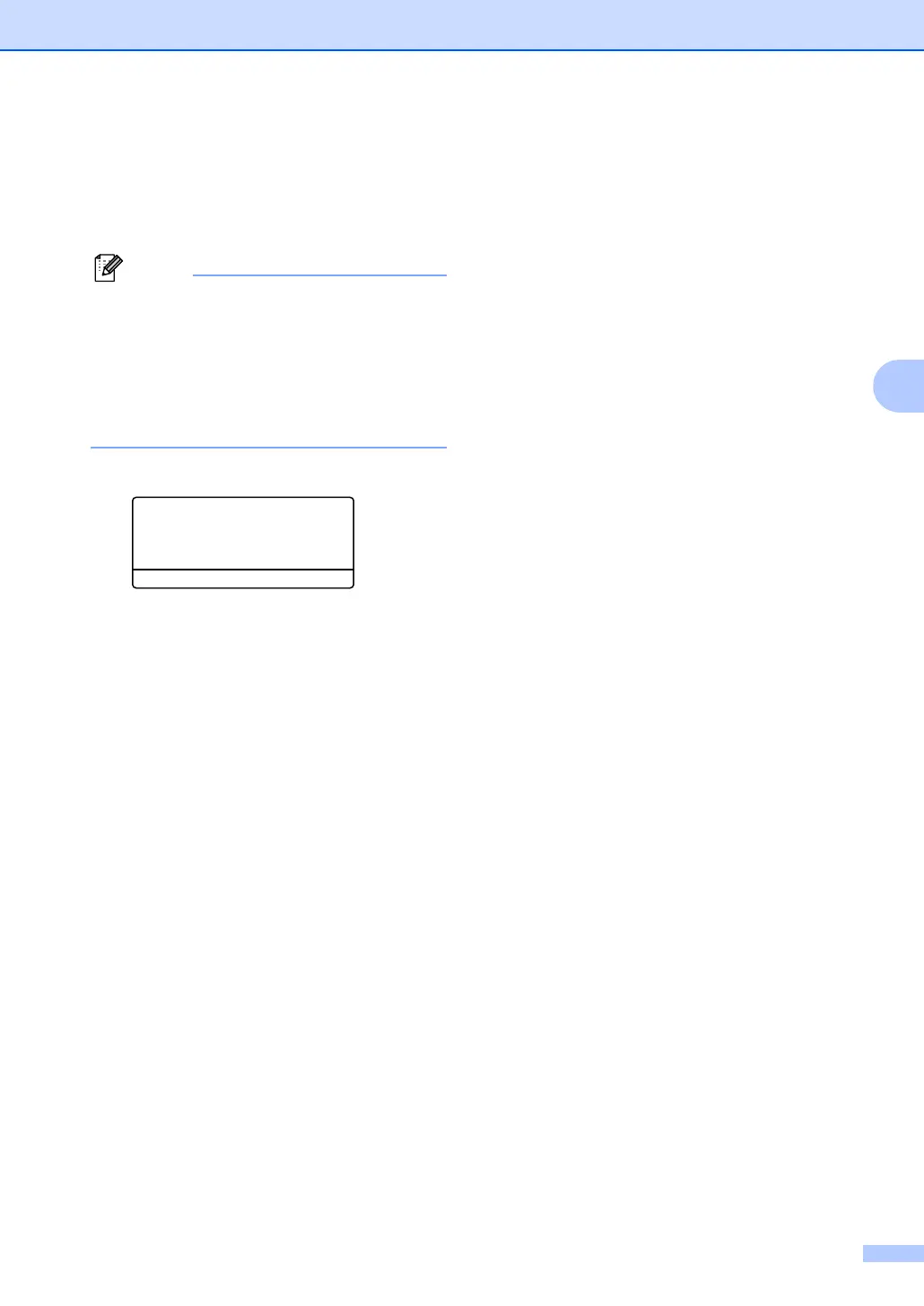
a Hold down Shift as you press Secure.
Function Lock
Change User
a John
b Mary
Select ab & OK
b Press a or b to choose the registered
name of the user to be logged on.
Press OK.
c Enter your four-digit password.
Press OK.



 To Next Page