55
8
8
How to Dial 8
Manual dialing 8
Use the dial pad to enter all the digits of the
telephone number.
One-Touch dialing 8
Press the One-Touch key that stores the
number you want to call.
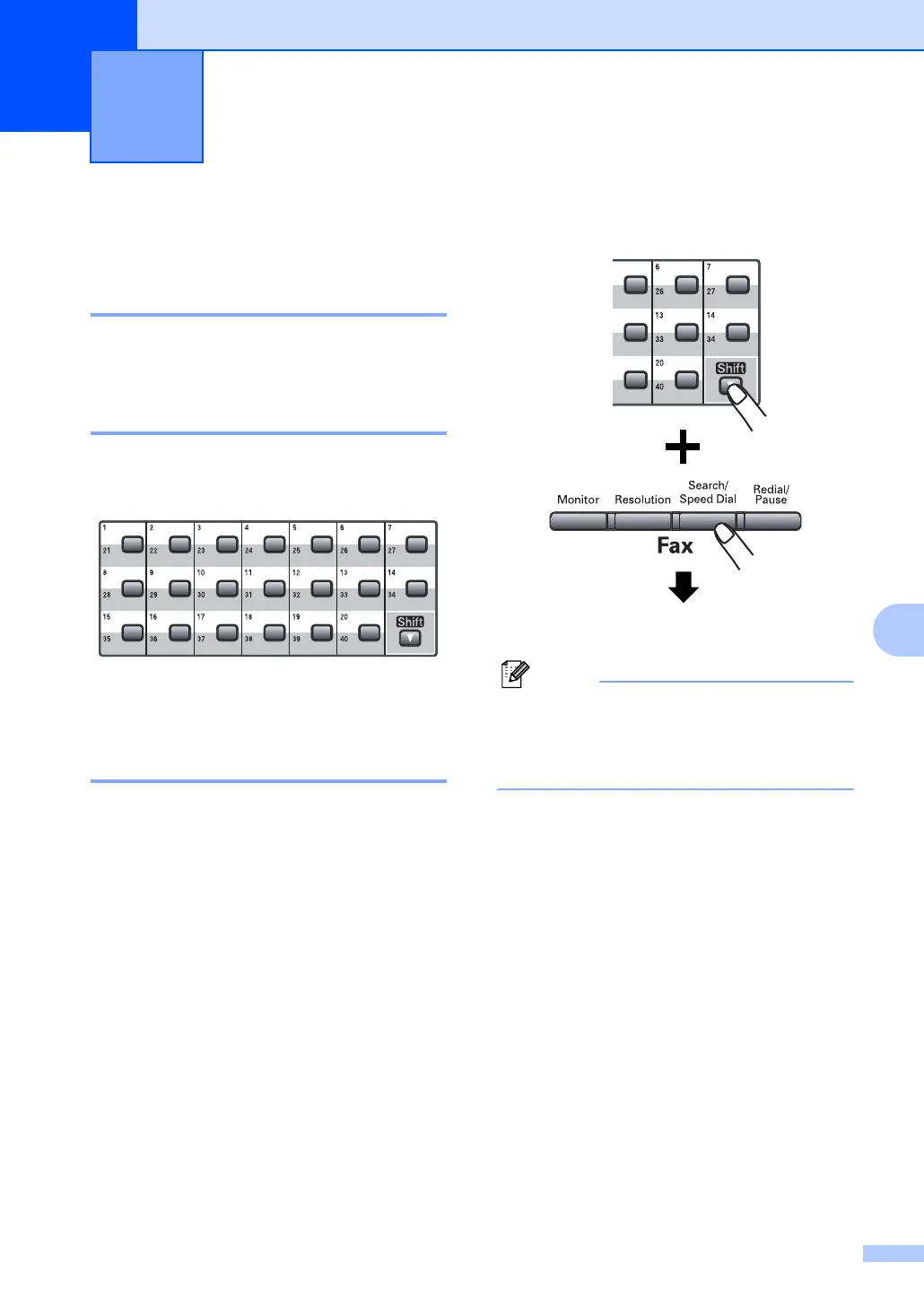
To dial One-Touch numbers 21 to 40, hold
down Shift as you press the One-Touch key.
Speed Dialing 8
Hold down Shift as you press
Search/Speed Dial and then enter the
three-digit Speed Dial number.
Three-digit number
Note
If the LCD shows Not Registered
when you enter a One-Touch or a
Speed-Dial number, it means that a
number is not stored there.
Dialing and storing numbers 8



 To Next Page