Polling
71
11
Polled transmit 11
Polled transmit lets you set up your machine
to wait with a document so another fax
machine can call and retrieve it.
Setup for polled transmit 11
a Make sure you are in Fax mode .
b Load your document.
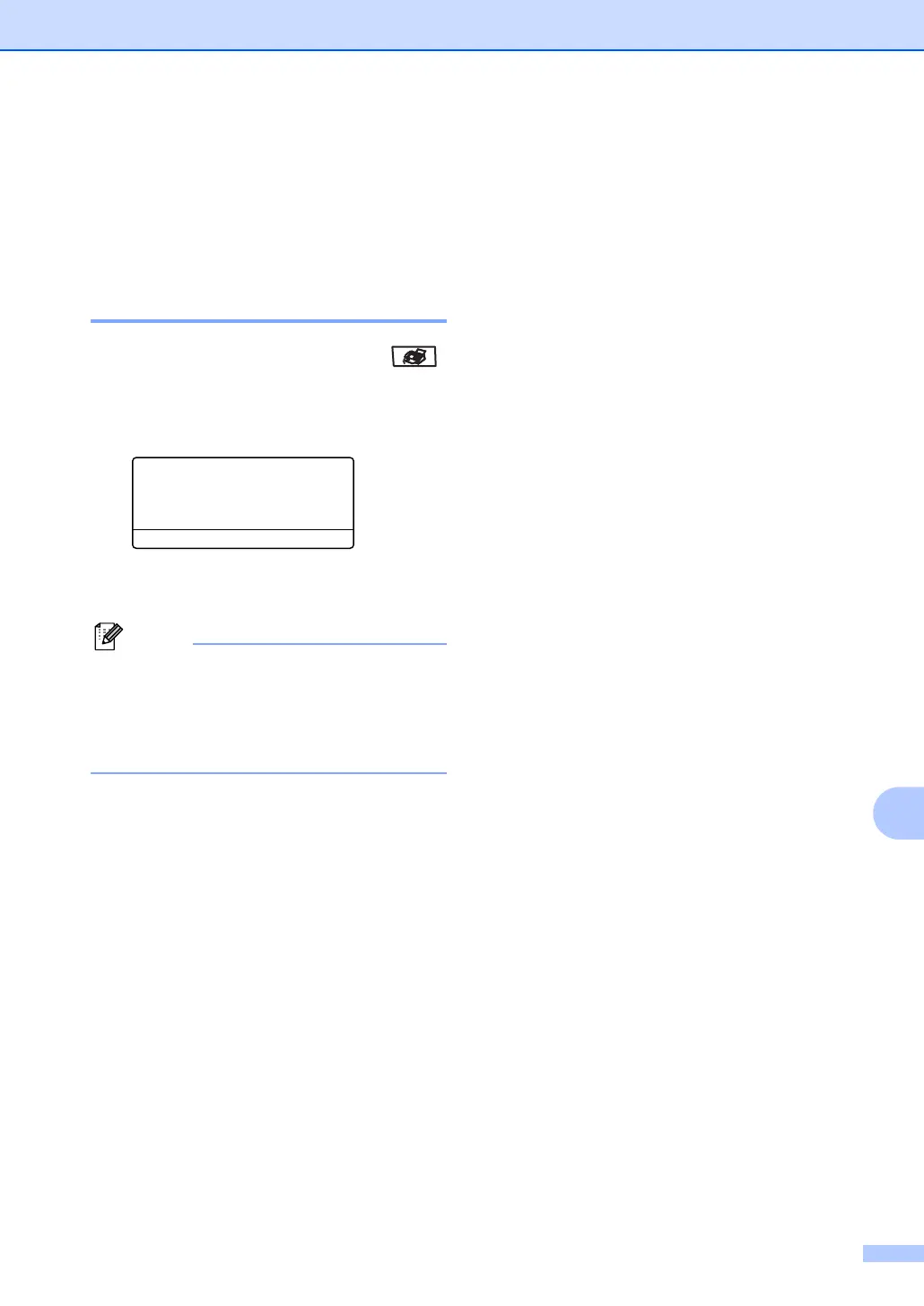
c Press Menu, 3, 2, 6.
32.TX Settings
6.Poll
a On
b Off
Select ab & OK
d Press a or b to choose On (or Off).
Press OK.
Note
The document will be stored and can be
retrieved by any other fax machine until
you delete it from the memory. (See
Checking and canceling waiting jobs on
page 38.)



 To Next Page