74
12
How to copy 12
Entering copy mode 12
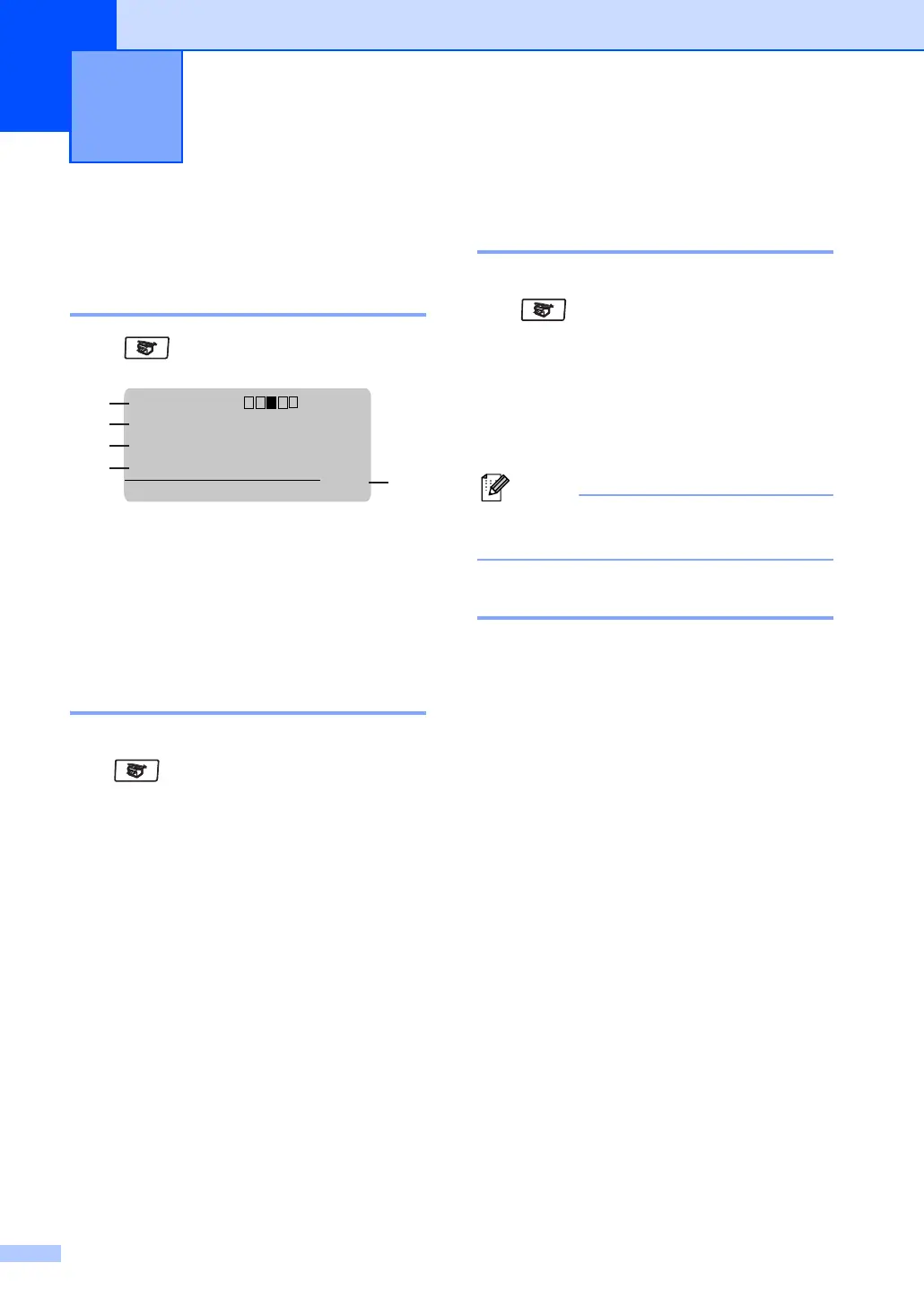
Press (Copy) to enter Copy mode.
1 Contrast
2 Copy Mode
3Copy Ratio
4Tray Use
5 Number of Copies
Making a single copy 12
a Make sure you are in Copy mode
.
b Load your document.
c Press Start.
Making multiple copies 12
a Make sure you are in Copy mode
.
b Load your document.
c Use the dial pad to enter the number of
copies (up to 99).
d Press Start.
Note
To sort your copies, press Sort. (See
Sorting copies using the ADF on page 81.)
Stop copying 12
To stop copying, press Stop.
Making copies 12
Contrast:- +
Mode :Auto
Enlg/Red:100%
Tray :MP>T1
Press ab or Start
1
4
3
2
01
5



 To Next Page