Sending a fax
37
5
Overseas mode 5
If you are having difficulty sending a fax
overseas due to a bad connection, then
turning on the overseas mode may help.
This is a temporary setting, and will only be
active for your next fax.
a Make sure you are in Fax mode .
b Load your document.
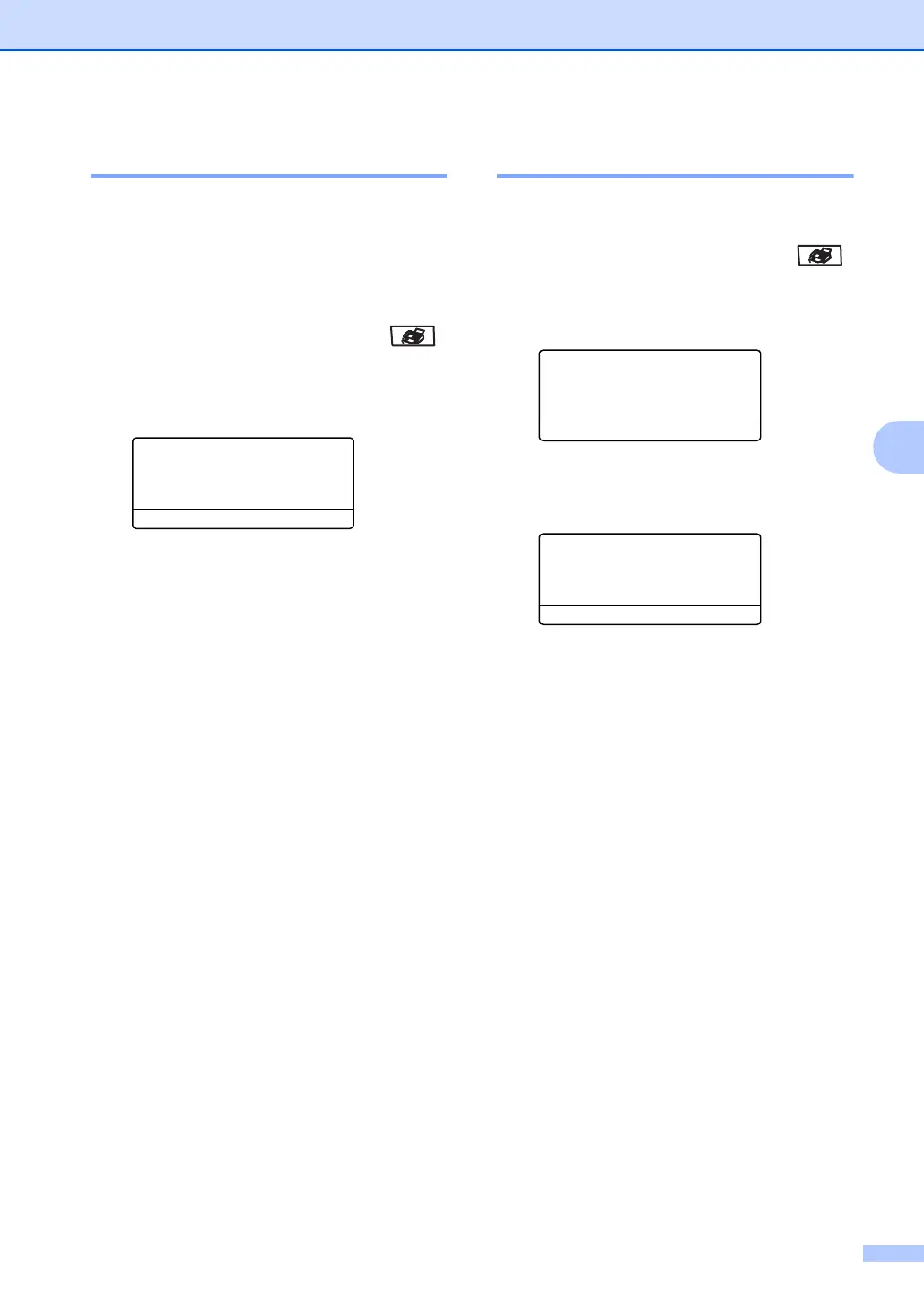
c Press Menu, 3, 2, 9.
32.TX Settings
9.Overseas Mode
a On
b Off
Select
ab & OK
d Press a or b to choose On or Off.
Press OK.
Delayed faxing 5
You can store up to 50 faxes in the memory
to be sent within a twenty four hour period.
a Make sure you are in Fax mode .
b Load your document.
c Press Menu, 3, 2, 3.
32.TX Settings
3.Delayed Send
Set Time=00:00
Enter & OK Key
d Enter the time you want the fax to be
sent (in 24-hour format). Press OK.
(For example, enter 19:45 for 7:45 PM)
32.TX Settings
3.Delayed Send
Set Time=19:45
Enter & OK Key
The number of pages you can scan into the
memory depends on the amount of data
printed on each page.



 To Next Page