CHAPTER 2 SERVICE MENU
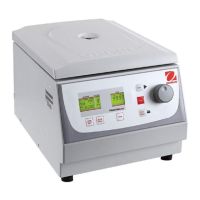
FC5706 Centrifuge Service Manual 2-1 Ohaus Corporation www.ohaus.com
2.1 SERVICE MENU
The operation menu helps the service personnel to locate defects. It is divided in two parts,
which are graded in several areas again from chapter 2.1.1 to 2.2.2.
Part 1 is accessible for the USER and different points can be read respectively settled. This is
also described in the instruction manual.
Part 2 is for internal use respectively for OHAUS trained service personnel only.
2.1.1 Activation of the Service Menu (part 1)
The menu can be started as follows:
Open lid of the centrifuge and switch off main switch.
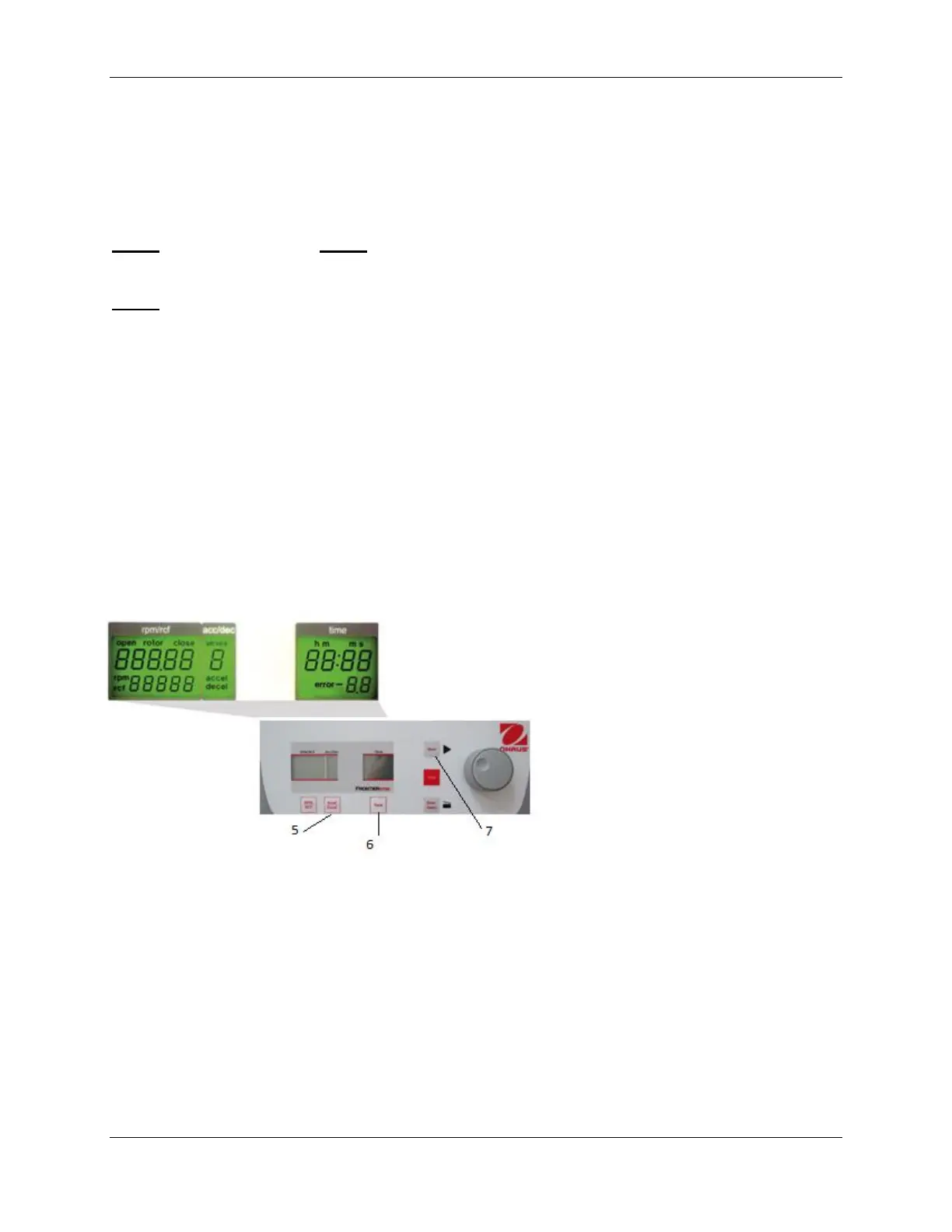
Press the key „time“ (6) and „door open“ (7) hold them and at the same time switch on
the unit.
If the centrifuge is still turned off, press simultaneously the keys „time“ (6) and „lid“ (7) and turn
on the main switch of the centrifuge. Now release both keys again. As a result a display test is
executed for approx. 5 seconds
Figure 1
Now it follows a display test for about 5 seconds as shown here under in figure 8.
Now you have entered the Service mode. By pressing the key „accel/decel“ (5) you will get to
the submenus.
Now in the display “acc/dec“ (A-2) the word “service“ (M12) will flash when you press
Accel/Decel (5) and "service" will stop flashing after 5 sec. Only as long as this word is flashing,
you can scroll through the further submenus with the potentiometer (8).
You have to repeat this step continuously to enter the different submenus.


 To Next Page