SERVICE INSTRUCTIONS
Ohaus Corporation www.ohaus.com 3-11 FC5706 Service Manual
3.3.4 Replacing the foil key board
Remove the incremental shaft encoder and the display.
Peel off the defective foil keyboard and clean the remaining glued joints.
Glue the new foil keyboard precisely in the recess. Make sure the foil matches precisely
and the window of the foil keyboard lies exactly over the display.
Reassemble the control panel in reversed order and mount it back in the front housing.
3.3.5 Removing the housing
Remove the control panel as described in chapter 3.3.5.
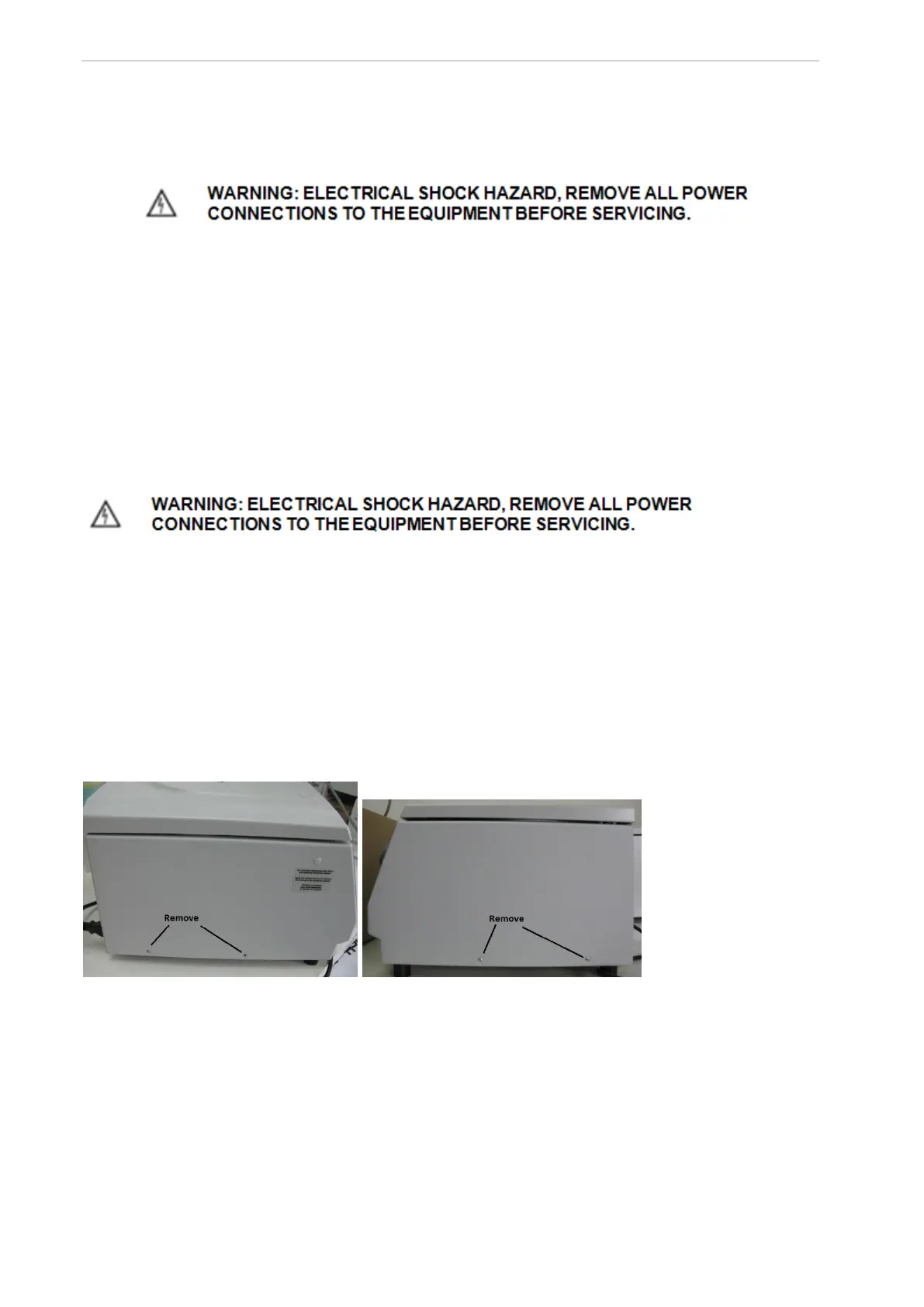
Remove all screws on the lower side of the housing.
Remove the housing upwards and remove all relevant electrical contacts on the
control board.
Reassemble the unit in reverse order.
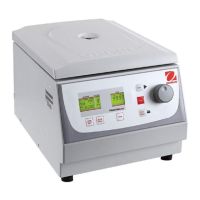
Left side of Centrifuge Right side of Centrifuge
Figure 5


 To Next Page