CHAPTER 2 SEVICE MENU
Ohaus Corporation www.ohaus.com 2-6 FC5706 Centrifuge Service Manual
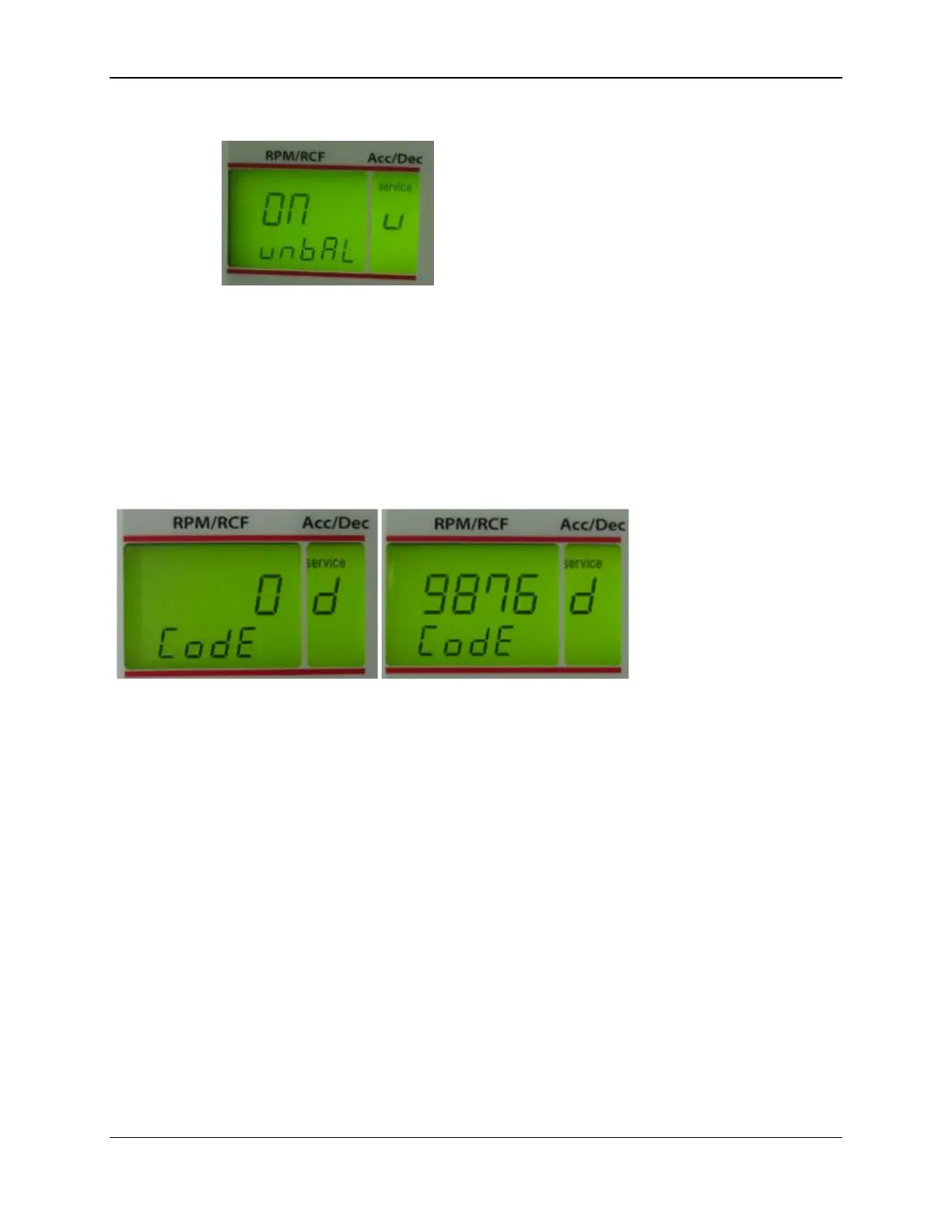
Figure 8
2.2 Activation of the Service Menu (Part 2)
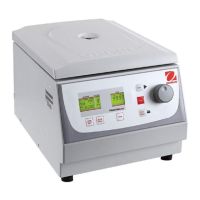
To get access to the second level of the service menu you have to press the key stop (3) for
longer than one second. Now you are asked for a code in the display “rpm/rcf“ (A-2) – adjust the
code “9876“ with the potentiometer (8) and press once again the key stop (3).
Figure 9
Now you can carry out the below shown adjustments:


 To Next Page