CHAPTER 2 SERVICE MENU
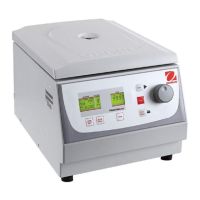
FC5706 Centrifuge Service Manual 2-7 Ohaus Corporation www.ohaus.com
2.2.1 Centrifuge Model
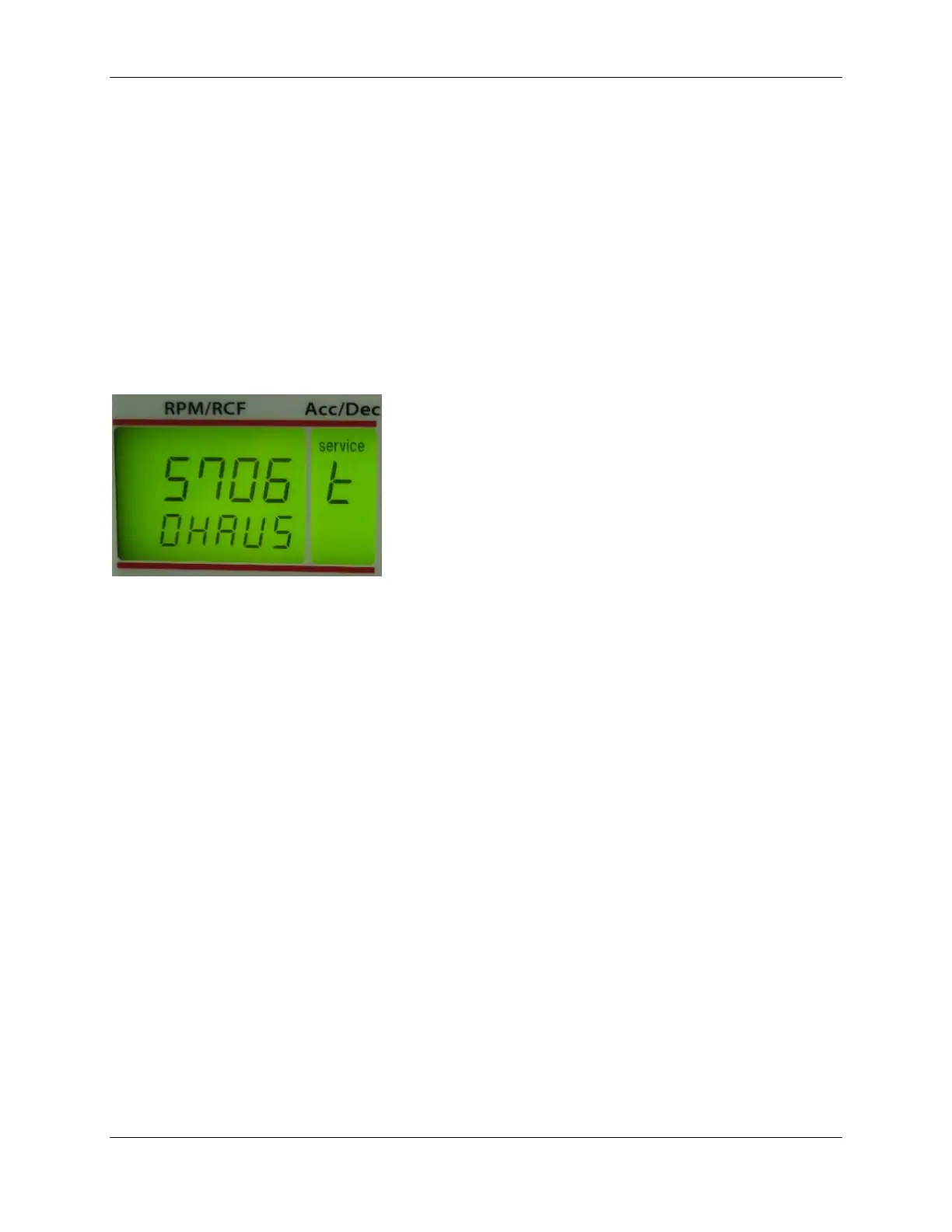
Here you can see the centrifuge models which are stored on the control board.
Activate the operation menu as described in chapter 9.3.1.
Activate the service menu as described in chapter 9.4.1.
Turn the potentiometer (8) until the special digit “service t“ appears in the display
“acc/dec“ (A-2).
Examples:
Figure 10
2.2.2 Submenu Adjustment/Correction of the imbalance cut off value:
Here you can adjust or correct the imbalance cut off value. In the factory has been setup an
imbalance cut off value. With this settled value the unit should run through. Through the
transport or the setup of the unit it may occur that this value will react unlike.
In case the unit does already cut off at the adjusted value you can increase this value by
adjusting this value > 0. In case the unit does not cut off until you can decrease this value by
adjusting this value < 0. The suitable value must be settled by service personnel only.
After the correction there is another check indispensable. You have to make several tests.
Activate the service menu as described under 2.1.1 „Activation of the operation
menu (Part 1)“.
Activate the operation menu as described under 2.2 „Activation of the service menu
(Part 2)“.
Press the button "accel/decel" (5). Turn the potentiometer (8) until the special digit „n“
appears in the display "acc/dec" (A-2).


 To Next Page