CHAPTER 2 SEVICE MENU
Ohaus Corporation www.ohaus.com 2-4 FC5706 Centrifuge Service Manual
2.1.6 Submenu Error Memory
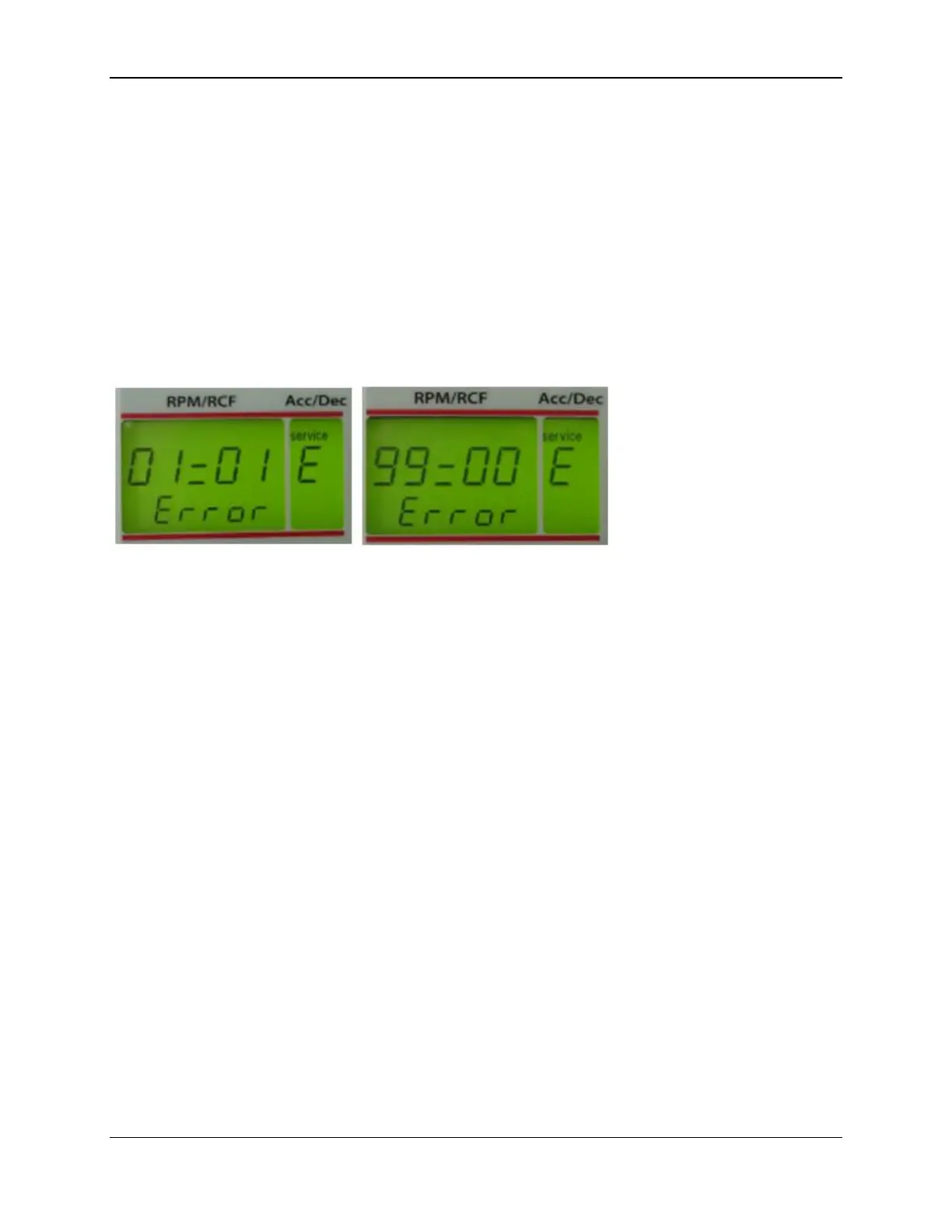
Here the last 99 occurred error messages can be indicated.
Activate the operation menu as described in chapter 2.1.1.
Turn the potentiometer (8) until the special digit “service E“ appears in the display
“acc/dec” (A-2).
Figure 6
By pressing the key „rpm/rcf“ (4) the display “rpm/rcf“ (A-1) is activated and you can
scroll through the error list with the potentiometer (8).
Now the last 99 occurred error messages are indicated in the display “rpm/rcf“ (A-1).
Whereas the first two digits describe the place number and the last two digits do
describe the occurred error. Look at chapter 3.5 "Errors that may be indicated in the
LCD display".


 To Next Page