Configuration 32
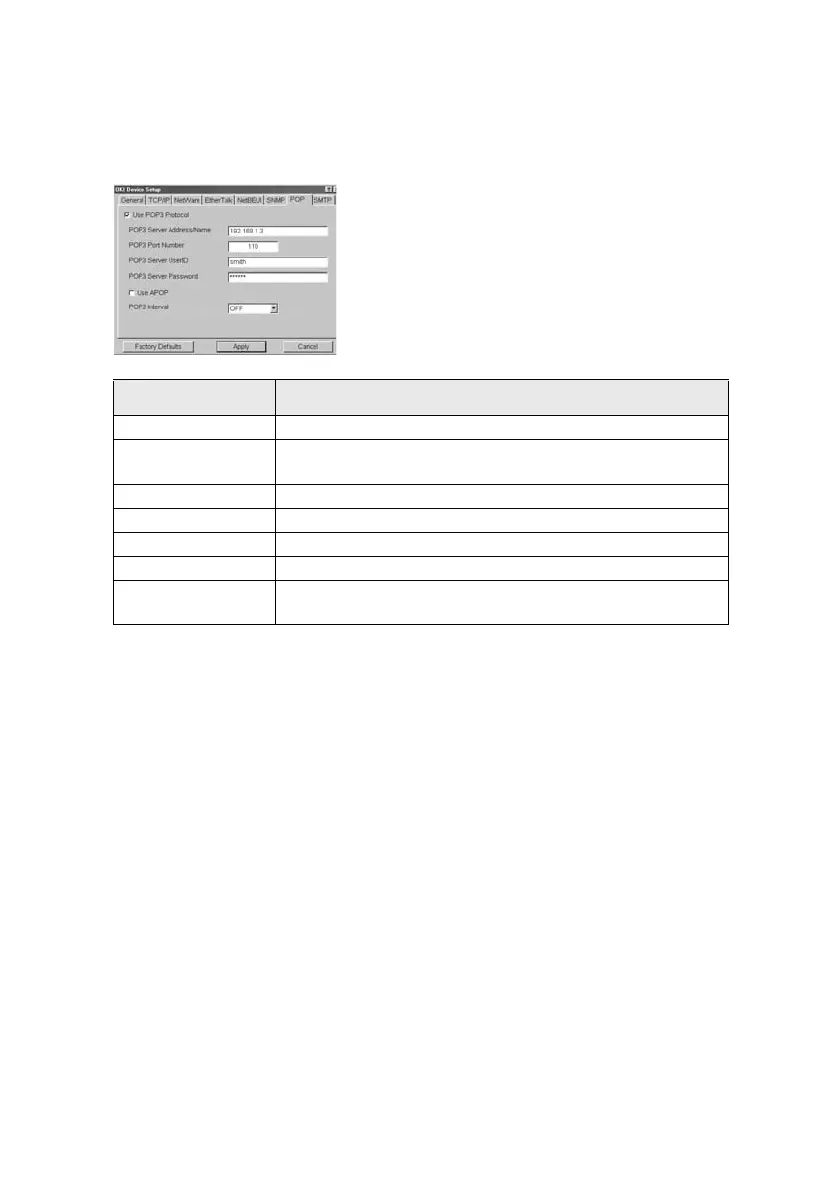
POP Tab
This allows you to configure POP related items.
The OkiLAN supports an e-mail reception function (SMTP/POP3)
allowing the printer to print PDF and text files attached to emails.
Not all printers support this function. If the POP tab is not displayed, your
printer does not support this function.
Location Comments
Use POP3 Protocol Set retrieving E-Mail via POP3, enabled or disabled.
POP3 Server Address/
Name
Set IP address or host name of POP3 server.
POP3 Port Number Set port number of POP3.
POP3 Server UserID Set User ID for POP3 server.
POP3 Server Password Set password for POP3 server.
Use APOP Check if you want to use APOP.
POP3 Interval Set interval to retrieve E-Mail(s) from POP3 server. Set to OFF if you
do not want to use POP3 function.



 To Next Page