15
8 Preliminary operations
8.1 Charge the battery
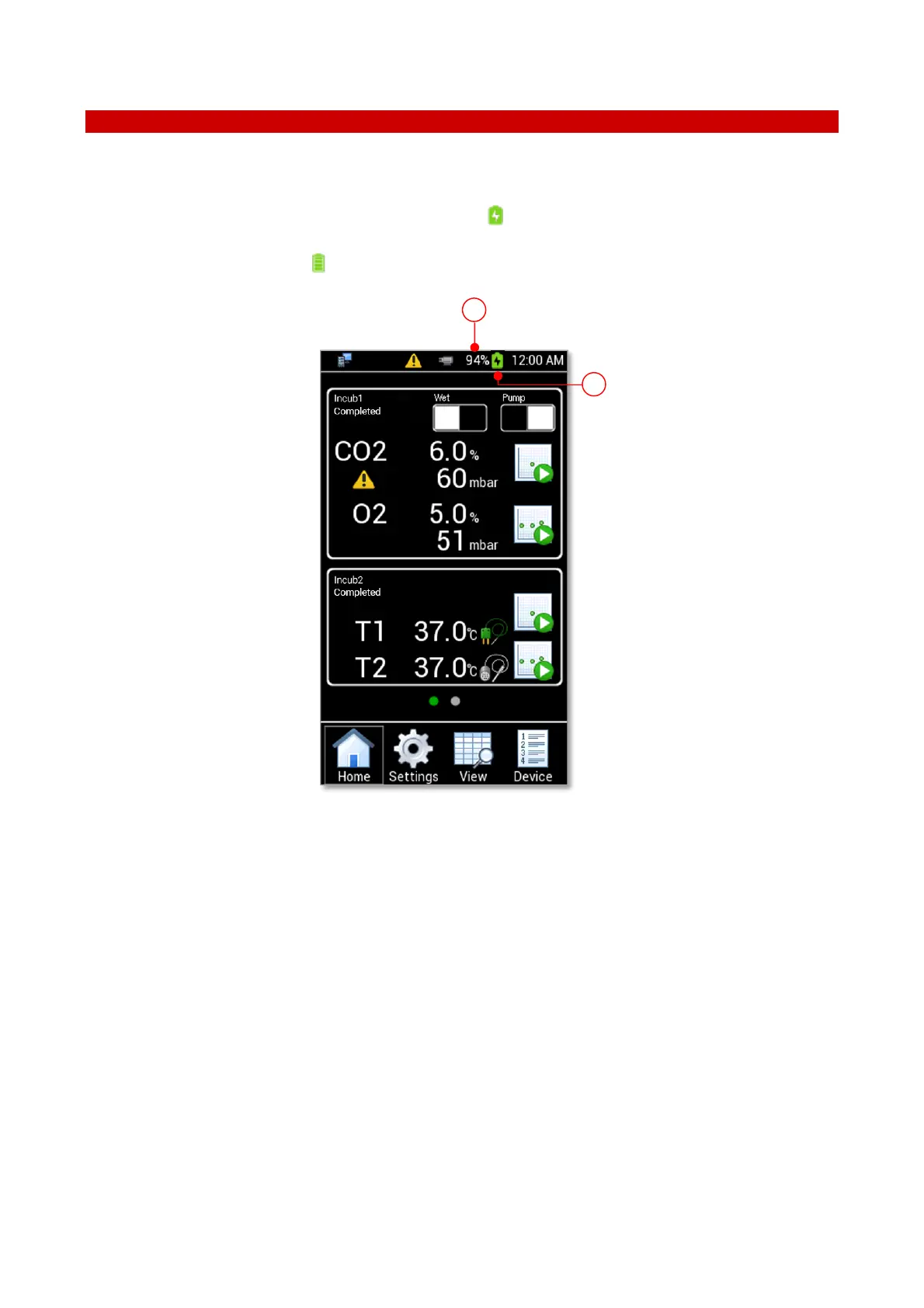
To charge the battery, connect the power adapter to the MICRO-USB port (2 in Figure 16). If the battery is
being charged while LEO is turned on, the Charging symbol appears at the top of the LEO display (1 in Figure
17). The percentage of battery charge shows besides the battery symbol (2 in Figure 17). When charging is
complete, the Battery full symbol appears at the top of display.
Figure 17. Homepage - battery
If LEO is switched off, press the power button to display the battery charging status and the percentage of
battery charge (see Figure 18).



 To Next Page