25
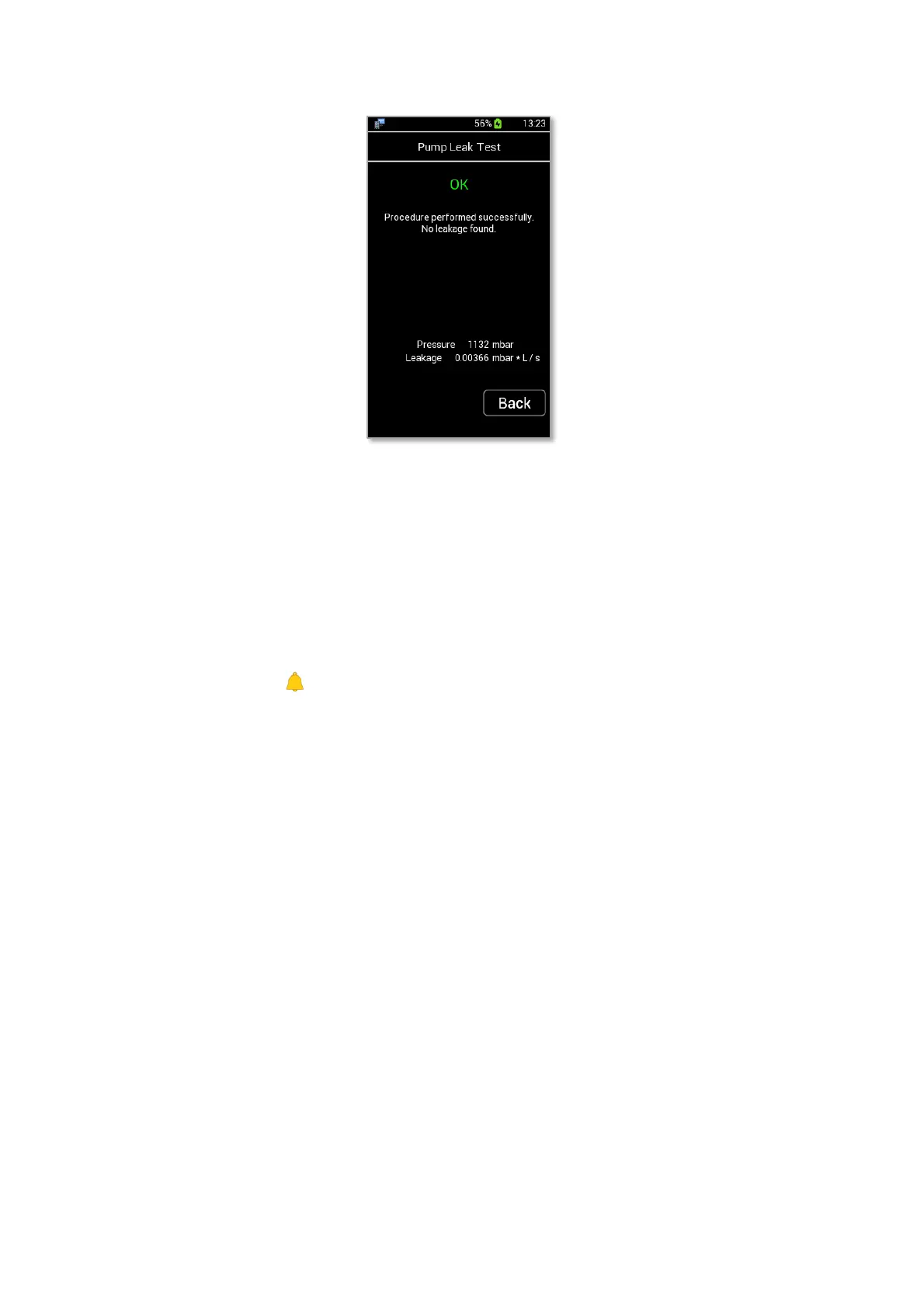
Figure 30. Leak test successfully completed.
If the Leak test failed, a leakage in the pump is present and a red label showing FAILED appears. Make sure
that caps are well inserted into LEO’s ports and repeat the Leak test. If the Leak test failed again please contact
Okolab support at support@oko-lab.com.
Tip ►Okolab suggests to perform Leak test every time you replace a component inside LEO. You may be
asked to run this test during remote assistance session.
9.3.4 Alarm
Press the Alarm icon (see Figure 31 a) to enter the Alarm subpage. You can set alarm parameters for
each sensor by following the instructions below:
1. Select the sensor you want to set alarm parameters, for example CO2 (see Figure 31 b).
2. Insert the Minimum (Min) and Maximum (Max) value within which the measurements can be
considered valid (not in alarm) (see Figure 31 c). An alarm occurs when the reading value is out of the
inserted values range.
3. Press “Set” to save the alarm parameters.
4. If you select the “Buzzer” checkbox, LEO triggers when it is in alarm condition (see Figure 31 b).



 To Next Page