Figure 38. System information (a – b).
9.3.6 Display
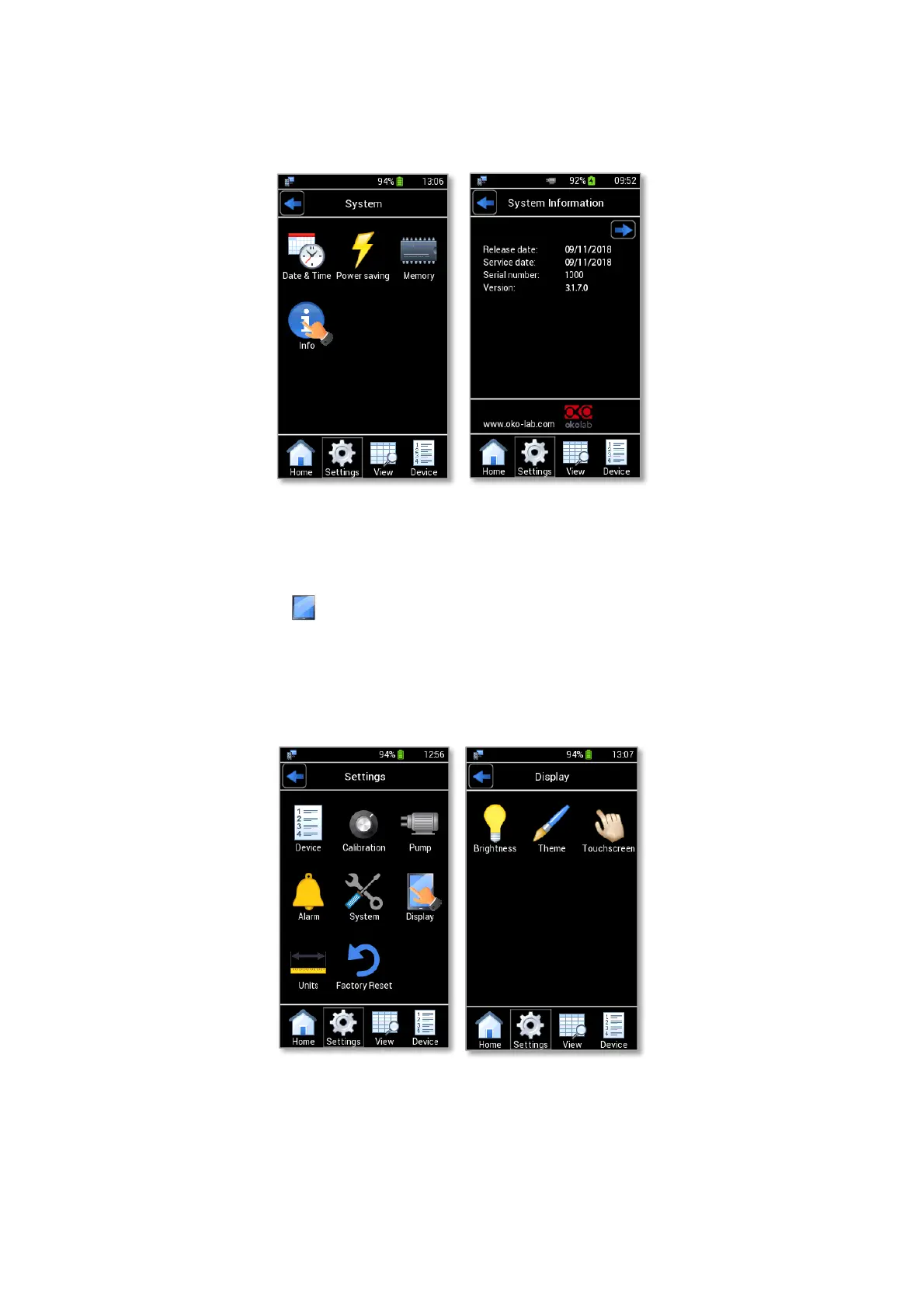
Press the Display icon to modify the display options (see Figure 39 a). As shown in Figure 39 b, in the
Display page it is possible to set:
- Brightness: to modify the display brightness (see paragraph 9.3.6.1).
- Theme: to modify the theme (see paragraph 9.3.6.2).
- Touchscreen: to modify the touch options (see paragraph 9.3.6.3).
Figure 39. Display settings (a – b).



 To Next Page