31
9.3.6.1 Brightness
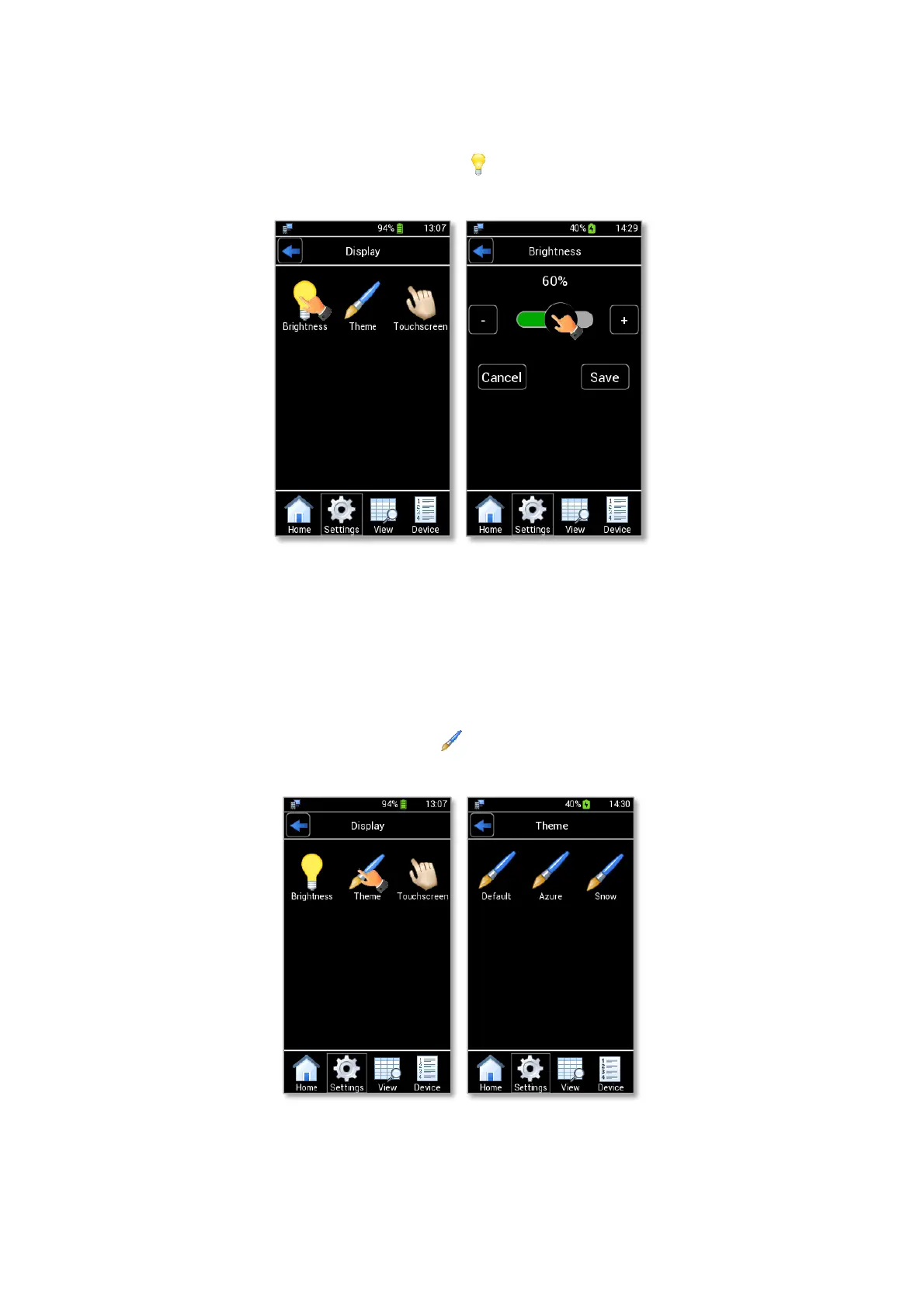
To modify the display Brightness, press the icon (see Figure 40 a) and use the slide bar displayed or
simply press + and -, as shown in Figure 40 b. Press Save to confirm or Cancel to undo.
Figure 40. Display settings: Brightness (a – b).
Note ►Display’s brightness is automatically reduced when the remaining battery power is less than 5%.
9.3.6.2 Theme
To modify the display Theme, press the icon (see Figure 41 a) and select the theme you prefer in the
page that opens (see Figure 41 b).
Figure 41. Display settings: Theme (a – b).



 To Next Page