26
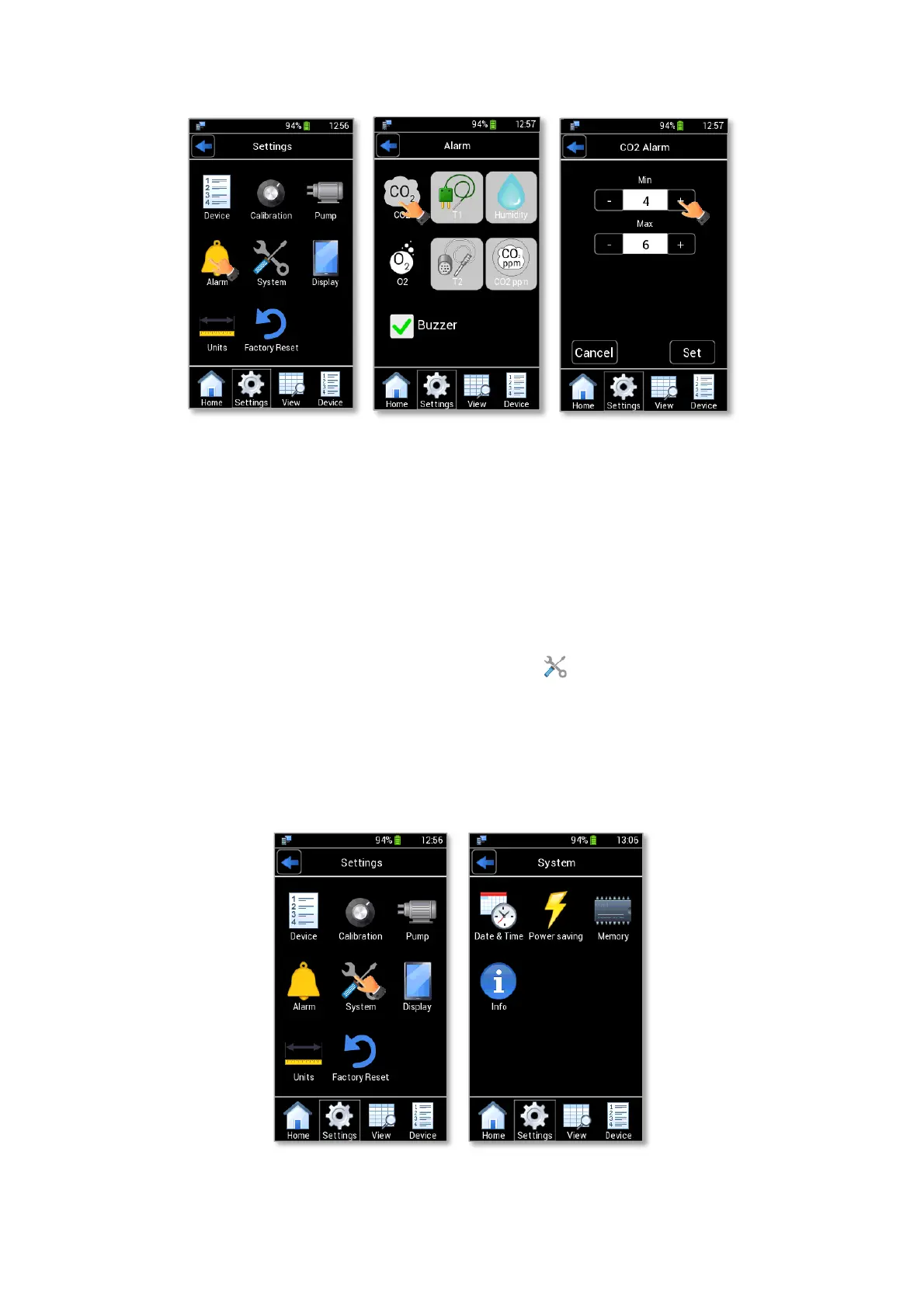
Figure 31. Alarm page (a – b - c).
5. Repeat the steps 1-4 to insert the alarm parameters for the variables on which you want to active an
alarm.
Note ► External sensor modules’ icons are automatically disabled if sensor modules are not connected to
LEO.
9.3.5 System
Figure 32 b shows the System subpage. Press the System icon (see Figure 32 a) to see or modify system
options:
- Date & Time. See paragraph 9.3.5.1.
- Power Saving. See paragraph 9.3.5.2.
- Memory. See paragraph 9.3.5.3.
- Info. See paragraph 9.3.5.4.
Figure 32. System page (a – b).



 To Next Page