Installation
|
Connecting Peripherals
13
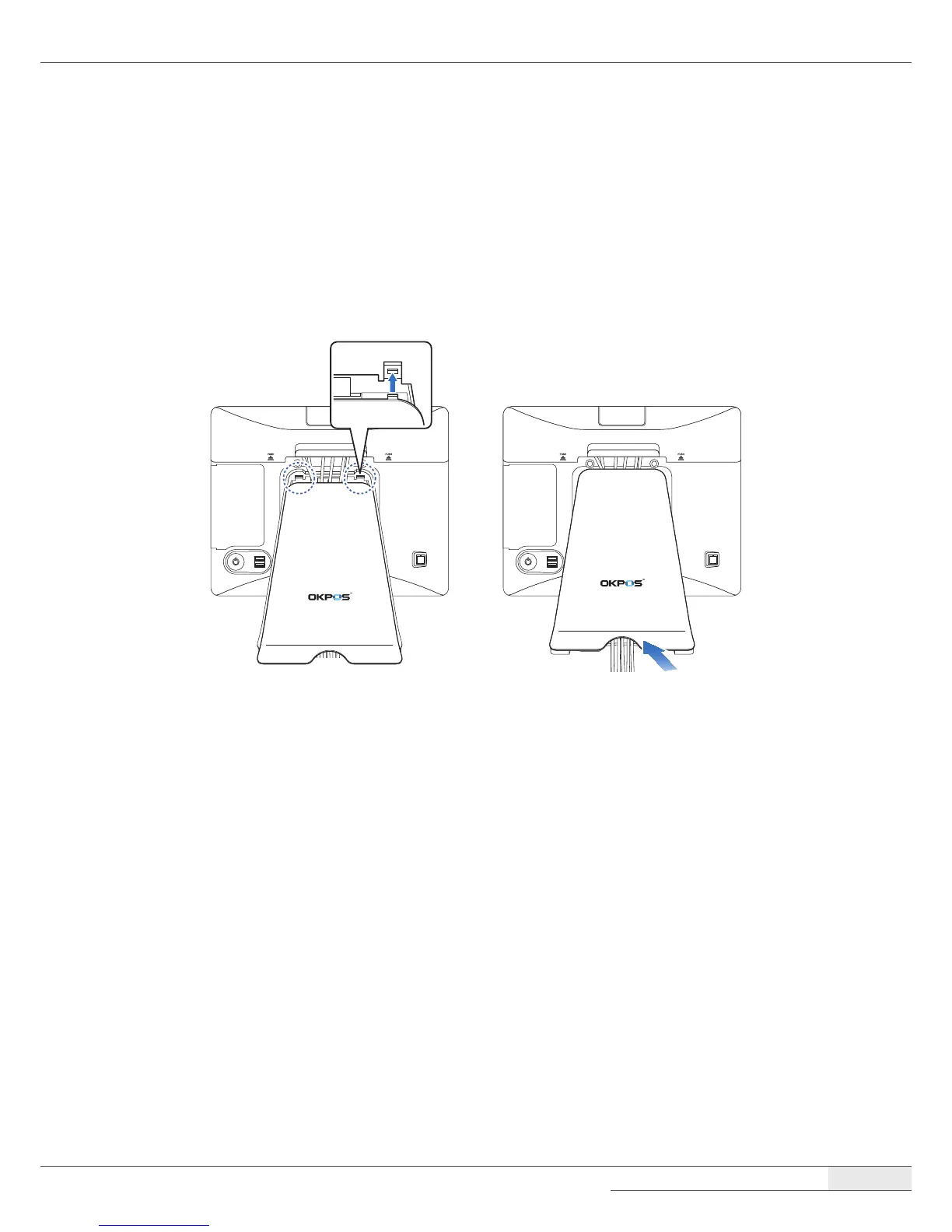
Replacing the stand’s rear cover
1.
Make sure that all cables are arranged inside the cable path of the stand so that they will not be
pinched when you close the stand’s rear cover.
2.
Align the two latch pins on the upper side of the cover with the stand latch holes, and press the
lower side of the cover rmly into place.



 To Next Page