22
Disassembling the System
➊ Removing the cover
To remove the system cover, follow these steps:
1.
Turn o the system and peripheral devices.
2.
Remove the I/O port cover by following the instructions in “Removing the I/O port cover“ on
page 10.
3.
Remove the stand’s rear cover by following the instructions in “Removing the stand’s rear cover“
on page 11.
4.
Remove the power cord and all cables from the system.
5.
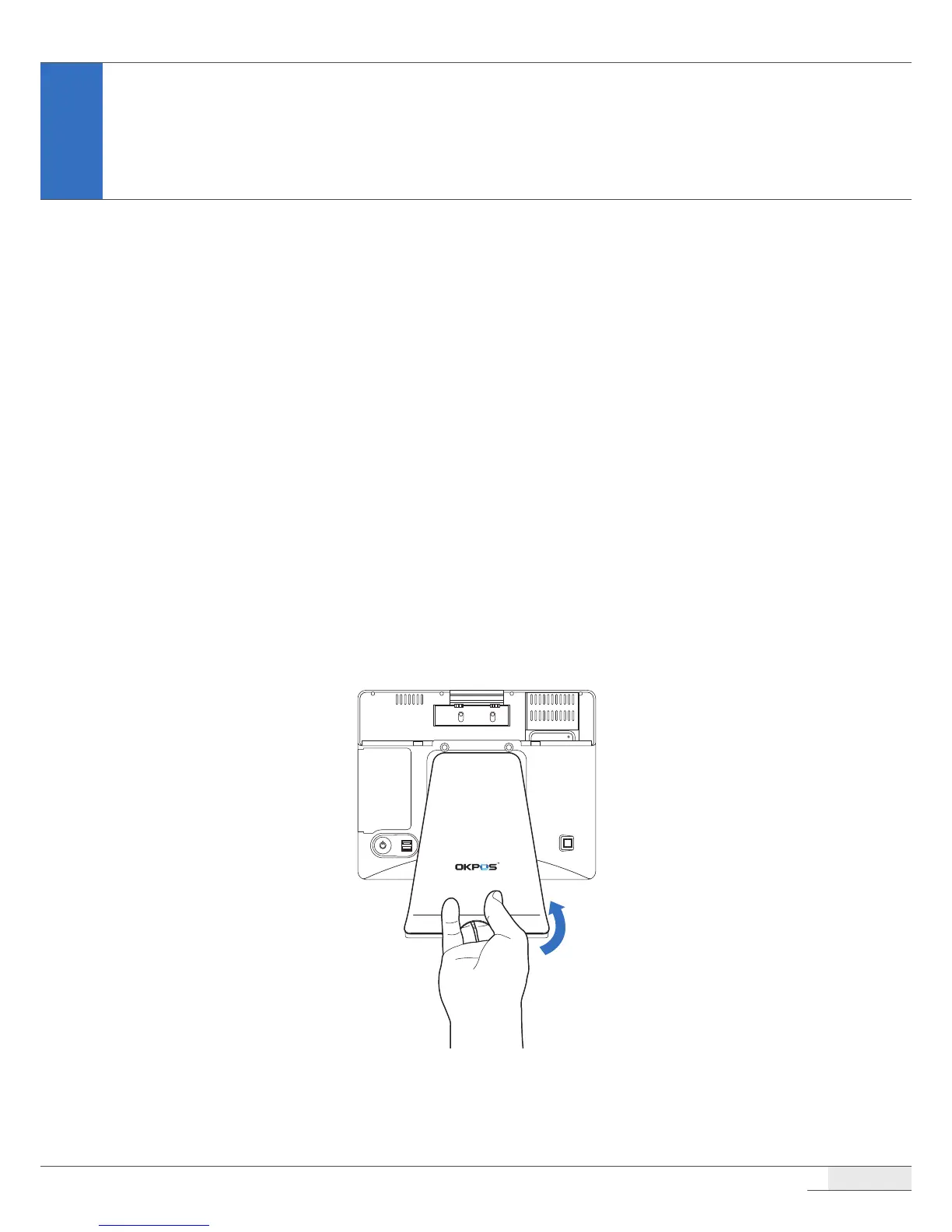
Place the touch LCD panel side down on a soft, at surface. (Be careful not to damage the touch
LCD panel.)
6.
Remove the screws and stand.
System Disassembly



 To Next Page