Application Programs
|
HDD Recovery
58
HDD Recovery
WARNING:
⦁
The hard disk recovery process erases all of the data and programs that you installed on your hard disk. After a
hard disk recovery, you must reinstall any software that was not originally installed at the factory.
⦁
Be sure to backup your own data before running the recovery process.
To recover the hard disk to factory settings, use the follow steps:
1. Connect the power cord, keyboard, and mouse to your system.
2. Press the power button.
3. When the "F11 to WinClon…" message appears on the screen, press [F11] at the upper side of the keyboard.
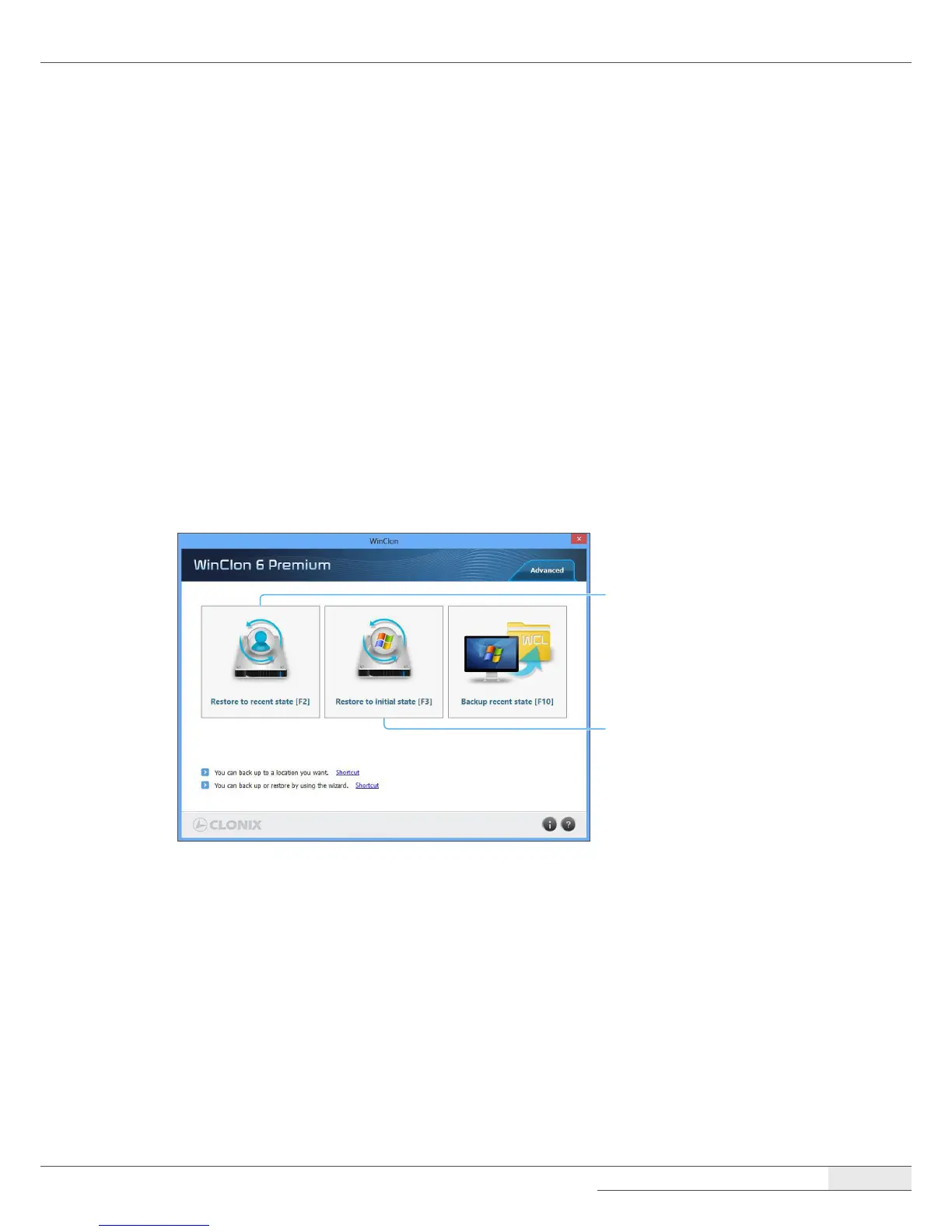
4. When the WinClon screen appears, select the desired option (“Restore to recent state” or “Restore to initial
state.”)
Restore to the most recent
state of Windows using a
backup le.
Restore to the factory
default state of Windows.
5. Enter the password (the password is “pos”) and press OK to continue the recovery.
6. The disk restoration procedure will start. Follow the on-screen instructions to recover your hard disk drive.



 To Next Page