Application Programs
|
Setting Up the Card Reader
43
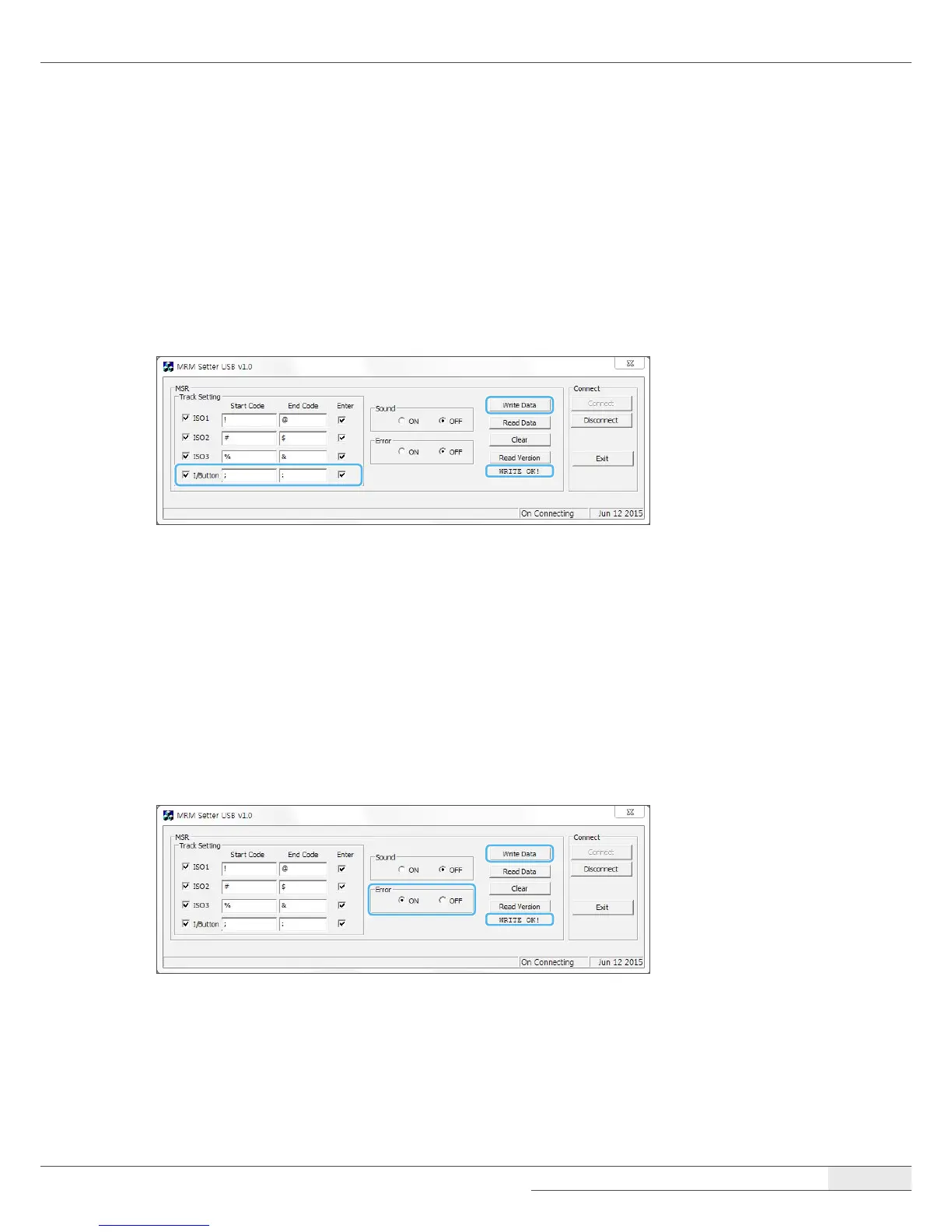
I/Button setting
You can set the I/Button.
1.
Select I/Button and Enter.
2.
Click Write Data and check the message.
3.
If there is no error, click WRITE OK!
Error code setting
You can set the Error Code.
1.
Click the ON button for Error.
2.
Click Write Data and check the message.
3.
If there is no error, click WRITE OK!



 To Next Page