37
Drivers
All drivers are located in D:\OKPOS\DRIVER.
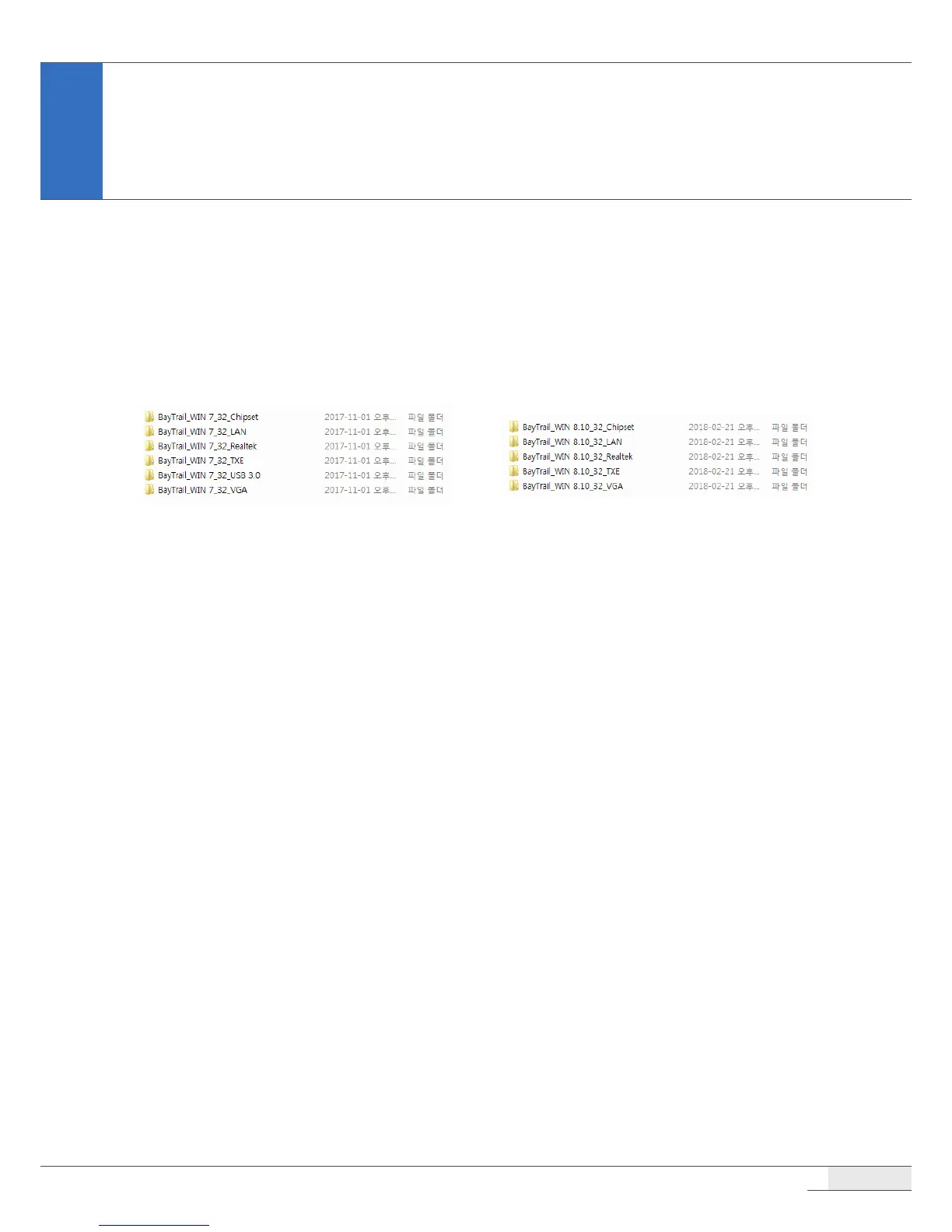
All drivers are pre-installed on your system. If you need to install a driver, you can install it using the
driver installation les, which can be found in these folders.
Windows 7 Drivers Windows 8 & 10 drivers
or
Utilities
All utilities are installed in D:\OKPOS\Utility\MSR.
All utilities are pre-installed on your system. If you need to install a utility, you can install it using the
utility installation les, which can be found in these folders.
Setting Up the Touch Screen
If the touch point is not correct, close all programs and run the calibration program to calibrate your
touch screen.
CAUTION:
⦁
Do not use an object with a sharp point such as a ballpoint pen to calibrate the touch screen. This may cause
damage to the touch screen.
To calibrate the touch screen, please follow these steps:
Application Programs



 To Next Page