Application Programs
|
Setting Up the VFD
45
5.
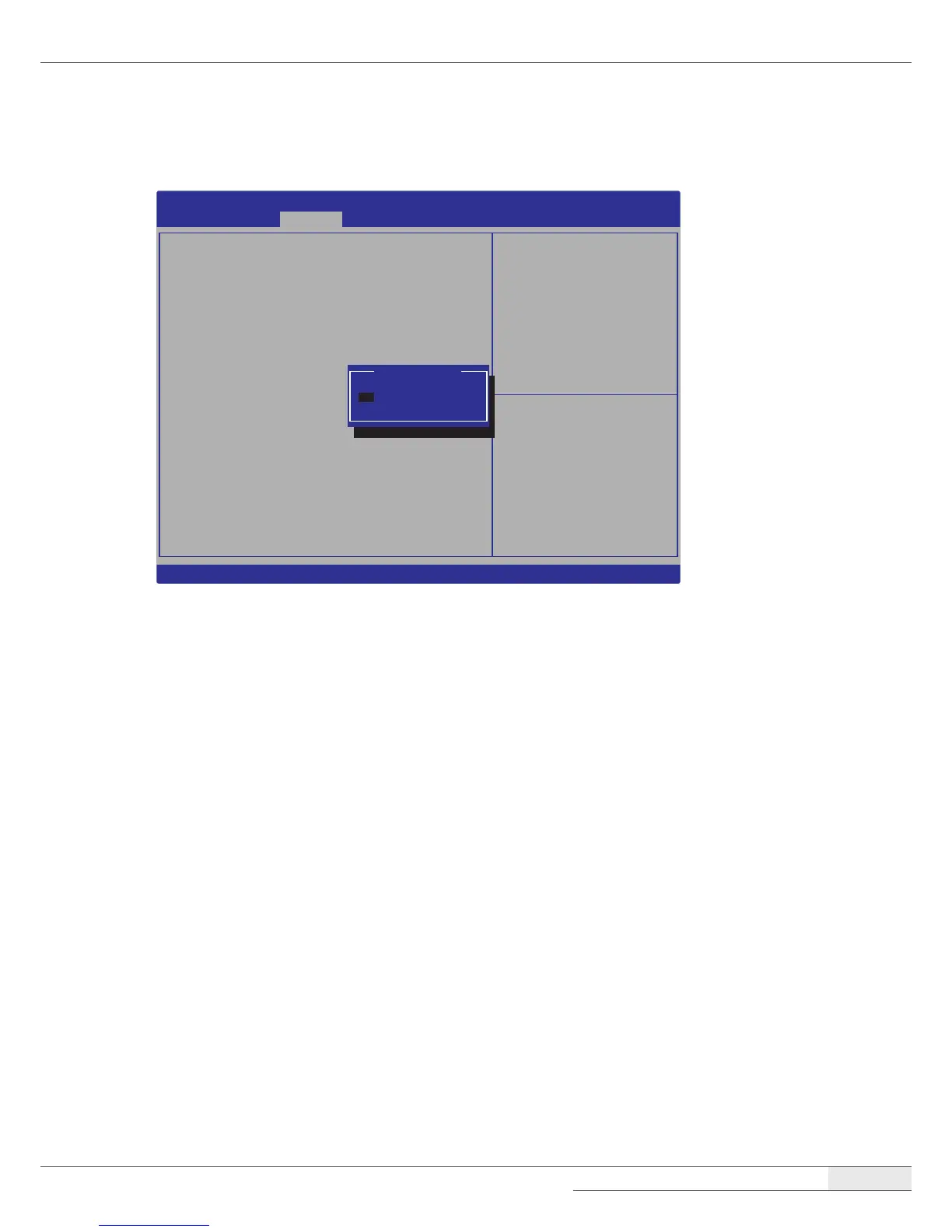
Select Serial Port Voltage and choose +5V from the option list.
Aptio Setup Utility - Copyright (C) 2017 American Megatrands, Inc.
Advanced
SerialPort3Configuration
SerialPort [Enabled]
SerialPortVoltage [RI#]
DeviceSettings IO=3E8h;IRQ=6;
ChangeSettings [Auto]
SelectSerialPortVoltage
🠖🠔
: Select Screen
🠕🠗
: Select Item
Enter : Select
+/- : Change Opt.
F1 : General Help
F2:PreviousValues
F9 : Optimized Defaults
F10 : Save & Exit
F12:PrintScreen
ESC : Exit
Version2.17.1246.Copyright(C)2017AmericanMegatrands,Inc.
RI#
+5V
+12V
SerialPortVoltage
6.
Press [F10] to save the settings and exit the System Setup program.
7.
When the Save & Exit screen pops up, select Yes and press the [Enter] key.



 To Next Page