Specifying Print Settings (Mac OS X 10.5/10.6) 1-99
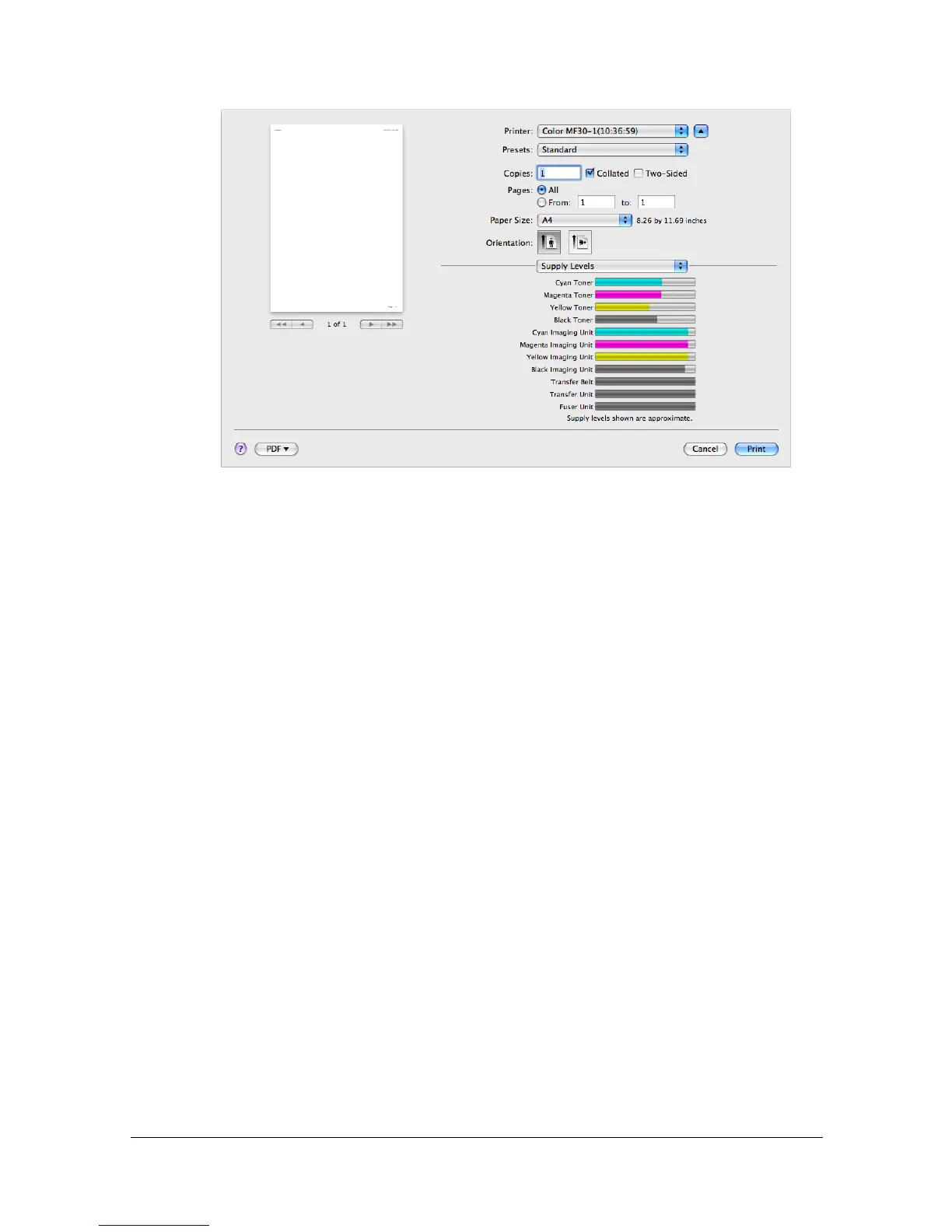
[Supply Levels]
The [Supply Levels] section provides information for checking the amount of
service life remaining on each consumable.
" The [Supply Levels] section appears when a printer is created on Mac
OS X 10.5 with a Bonjour, IPP, LPD, Socket connection.
" The [Supply Levels] section may not appear depending on the appli-
cation you use.



 To Next Page
 Loading...








