Printer Settings (Mac OS X 10.5/10.6)1-48
When Using a Network Connection
The network connection settings can be specified in one of three ways: Bon-
jour Setting, AppleTalk setting and IP printing setting (IPP, LPD or Socket).
Bonjour Setting
1 Connect the machine to an Ethernet network.
2 Select [System Preferences] from the Apple menu.
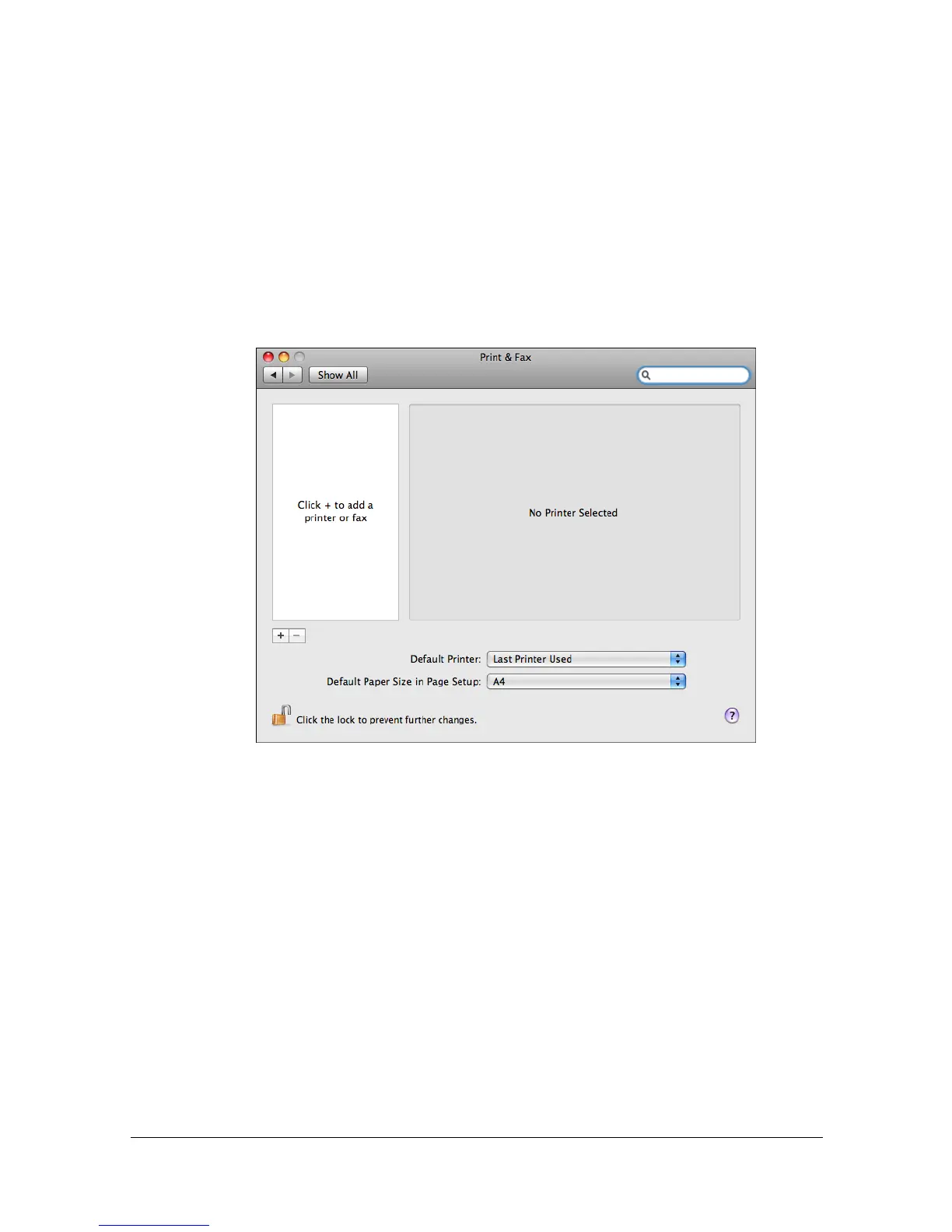
3 Click [Print & Fax].
4 In the [Print & Fax], click [+] button.



 To Next Page
 Loading...








