Configuring the Printer 8-171
[Local Interface Settings]
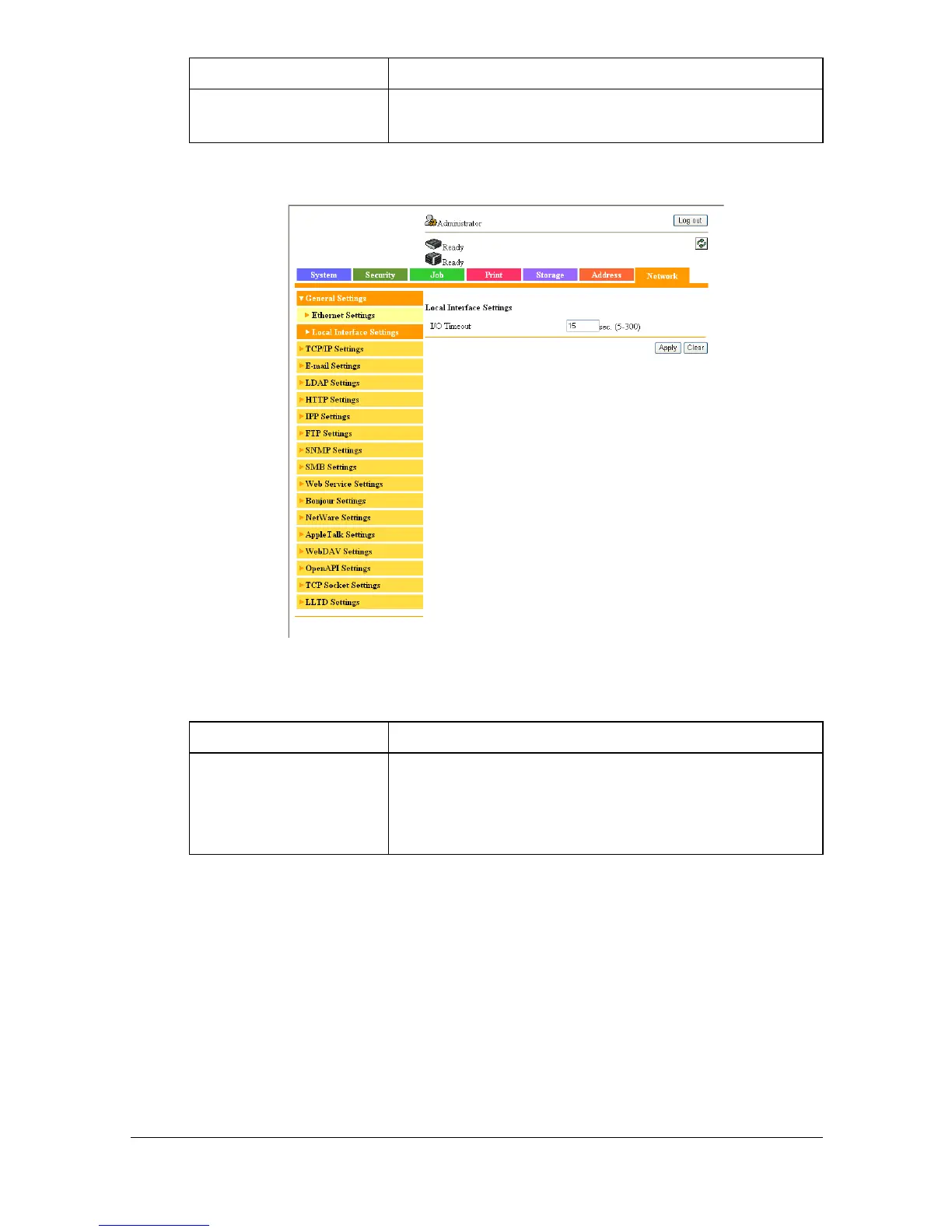
The [Network] - [General Settings] - [Local Interface Settings] page allows
you to configure the following items.
[MAC Address] Displays the Media Access Control (MAC) address
of the Ethernet interface.
Item Description
[I/O Timeout] Specify the reception timeout period.
Range: 5 to 300 (seconds)
Default: 15
Item Description



 To Next Page
 Loading...








