Troubleshooting
6-16 BASIC OPERATION GUIDE
1
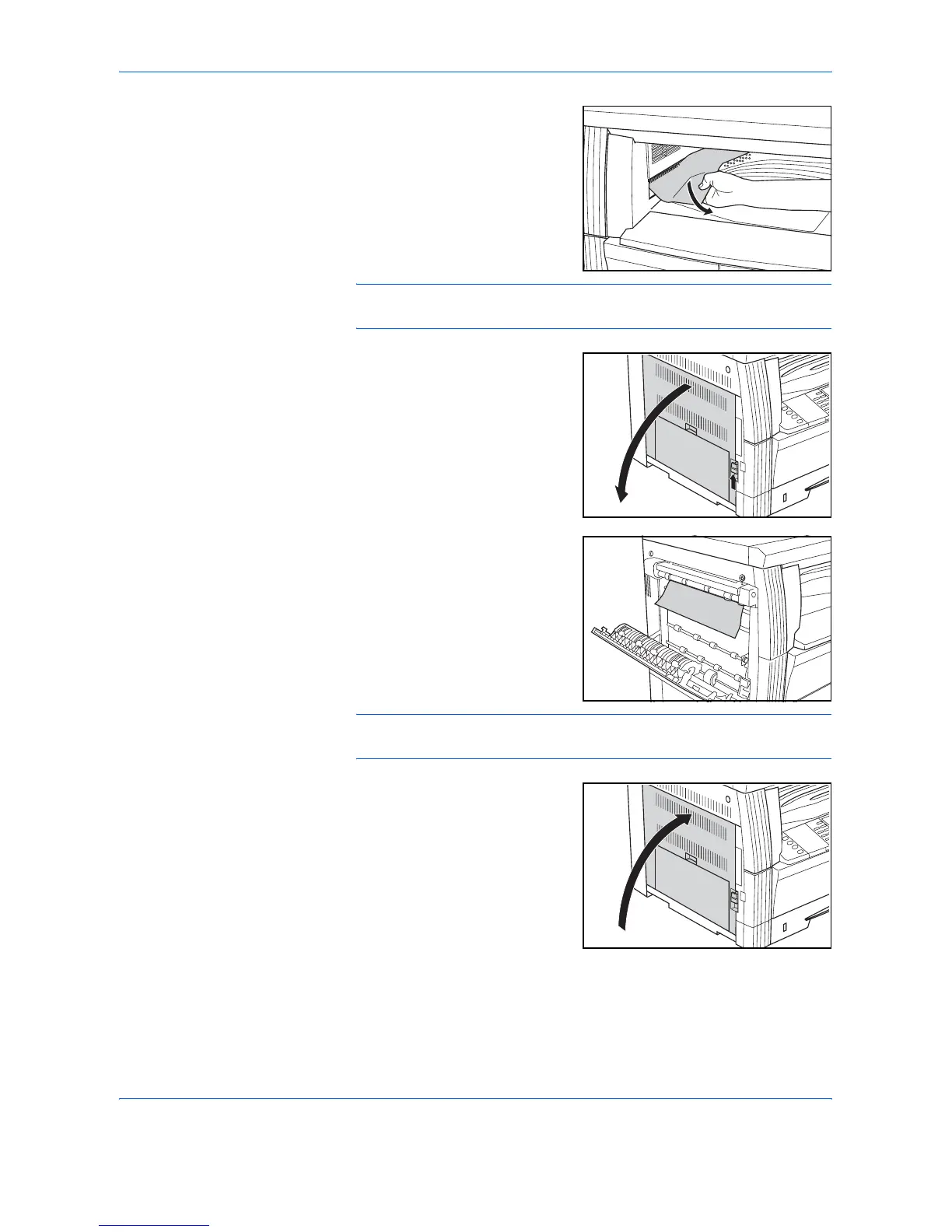
If jammed paper shows through
the Paper Output Slot, pull it out to
remove it.
NOTE: If the paper tears, remove any loose scraps from inside the
machine.
2
Pull up the Left Cover handle and
open the Left Cover.
3
Remove any jammed paper.
NOTE: If the paper tears, remove any loose scraps from inside the
machine.
4
Close the Left Cover.












 To Next Page